New Tutorial: Depth Compositing

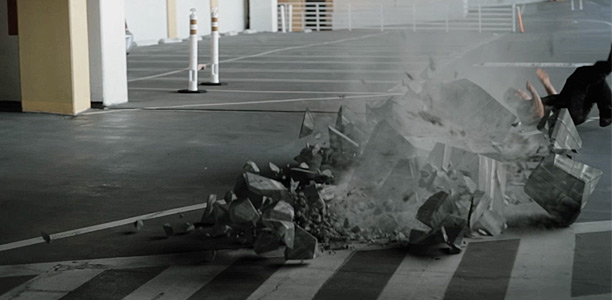
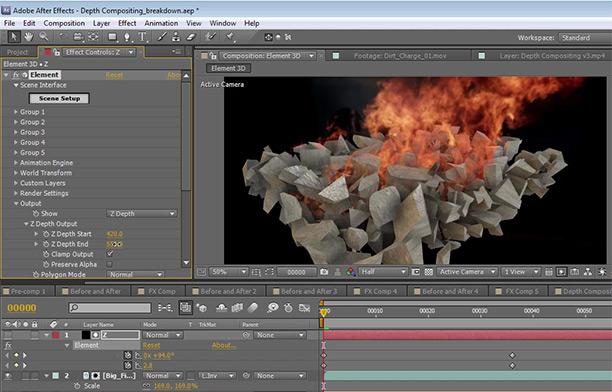
In this tutorial we'll use a technique called Depth Compositing to combine stock footage with 3D rendering and the use a Z-Depth pass. This method allows you to place 2D elements like stock footage into the depth of a 3D render. I also demonstrate how to export a Z-pass from 3D max, Cinema 4D and even use Element 3D to output a depth channel.

The stock footage are from Action Essentials 2!

Watch Tutorial


Here is the example of using Depth Compositing from a while ago, I know the sound FX are bad, but hey, I mixed them in After Effects!

POSTED:
13 years ago
New Tutorial: Alien Surface!

In this tutorial we will create a realistic set extension for the surface of a far away alien planet. With the help of the Matte Painting challenge we will be compositing the background along with adding 3D rocks with Element 3D and pulling out the Roto Brush tool. Big thanks to everyone that submitted a matte painting I had fun looking through all of them and I'll to post some of my favorites soon!

Watch Tutorial Now!

POSTED:
13 years ago
Upcoming FX

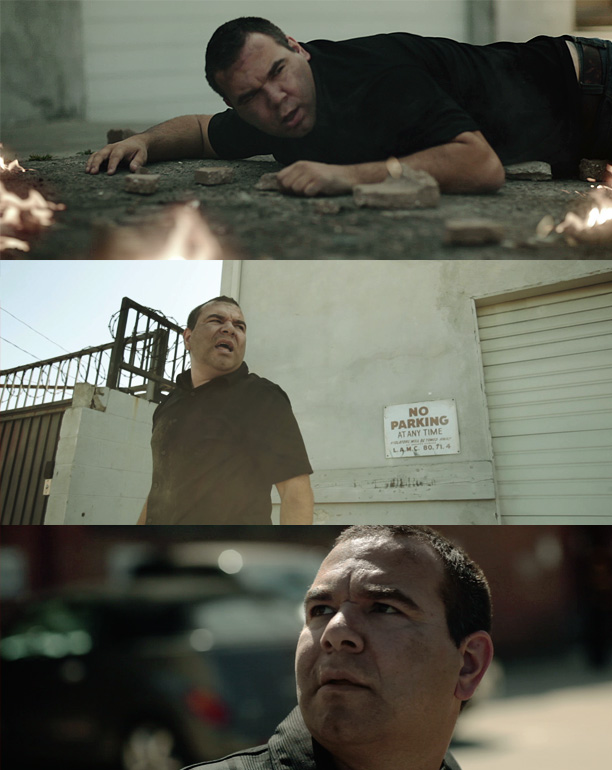
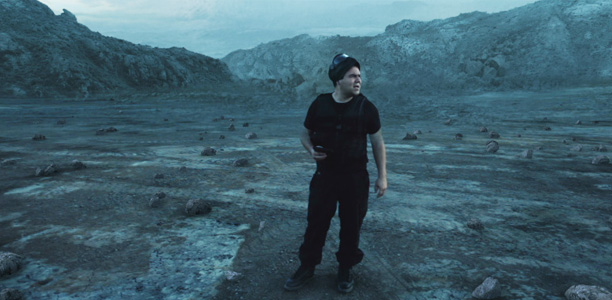
Sam Loya is back and this time it's temporary! Recently we took to the streets with our 2-man crew of myself and Sam Loya to shoot a fun scene where bad things happen. Shot everything handheld with a small shoulder rig, 5D and 2 lenses. (16-35 and 85mm) More updates coming soon.

POSTED:
13 years ago
Free Earth Project for Element 3D

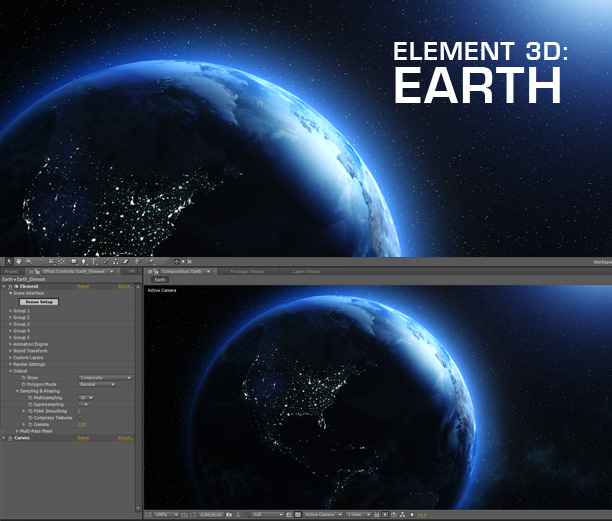
Here is a free Earth project with 4K maps to use with Element 3D. You can also use the maps with CC sphere to recreate the project without Element 3D, we even have a very old tutorial to show you how. Watch the Blue Planet.

To customize the Earth, you can open the Element 3D layer and turn down the illumination map to shut the lights off.

Download Project

NOTE: Please place the Earth folder inside "My_Models" folder

Documents\VideoCopilot\Models\My_Models

POSTED:
13 years ago
Element 3D Demo Reel!

I know we're a little late with our trailer/promo video for Element 3D but there was so much to do at the end we held on to it so we could add a few more examples. It's basically collection of shots created with Element 3D to show off the various capabilities. Think of it like a movie trailer that comes out after the movie is released so it doesn't spoil the surprises!

And yes, all of these examples were rendered inside After Effects using Element 3D and hopefully these ideas will inspire you to discover new capabilities!

Watch in HD on Youtube

Watch Product Tutorials & Feature Videos

POSTED:
13 years ago