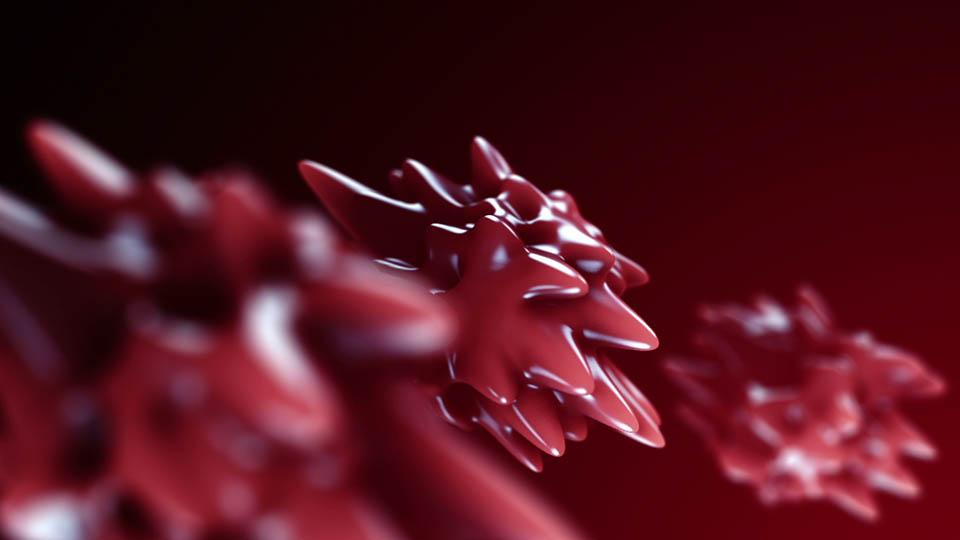
New Tutorial: Advanced 3D Noise & Deform

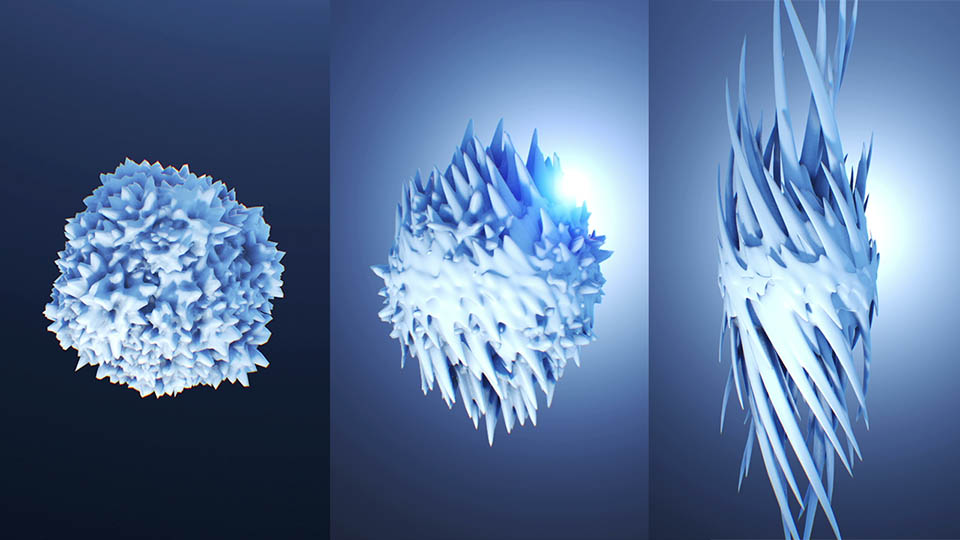
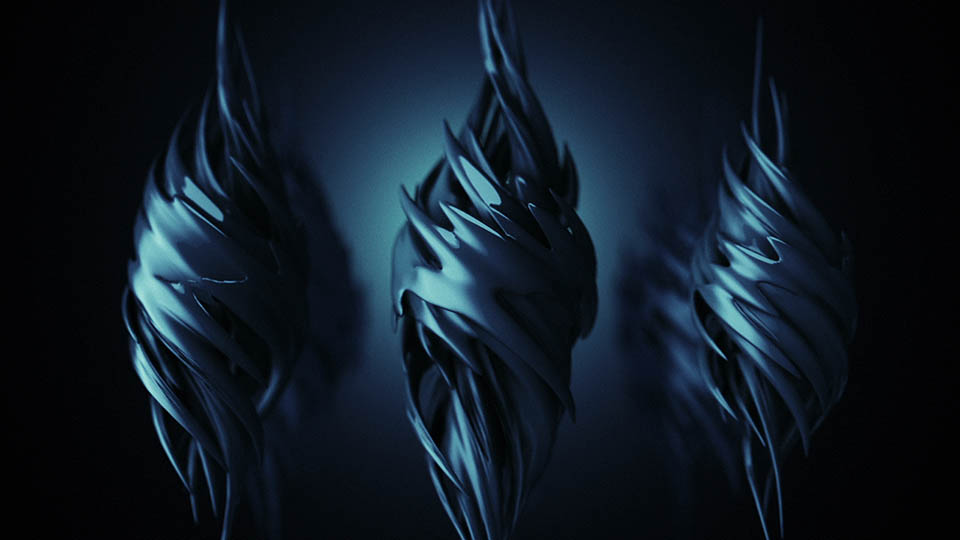
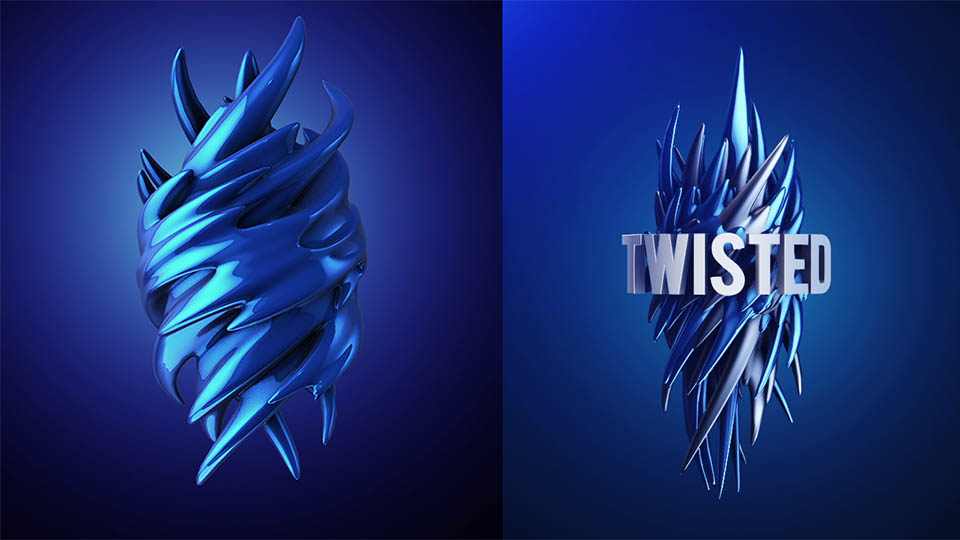
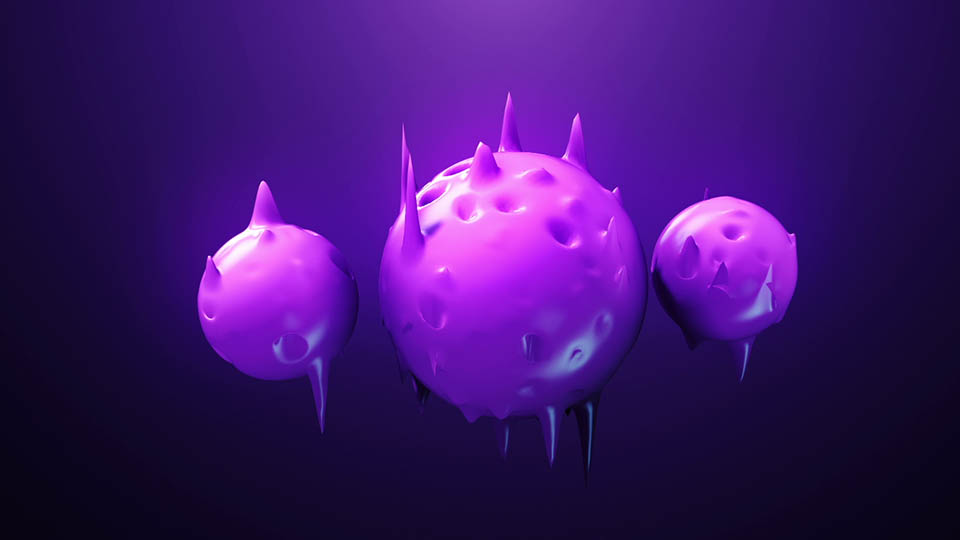
In this tutorial we'll createan intricatedeform animation using 3D Noise & Twist!

We'll be using Element 3D V2so check it out!

Watch Tutorial on Youtube in HD

Watch Tutorial onVideo Copilot

NOTE:
If you are already an Element 3D V2 user, be sure you are running the
Latest Version 2.0.7
POSTED:
11 years ago
83 Comments
8 years ago
Thanks a lot for the tutorial.
Hi Andrew and VC Team,

i like Element 3D so much in this new Version, it´s my main Rendering Solution these days.

since you implemented these awesome deforming options and of course the noise, i´d like to know if there is the chance you implement displacement mapping in the future? Element handles hugh subd obj super good, but sometime i wish to use own displacement mapping. also position displacement would be awesome. with this features we could create Landscapes super easy.
5 years ago
very nice post and great site
HI SIR .my name is john and i am a motion and vfx artist .
sir i have learned all the graphic from u sir ,u were my teacher and still u are. i have watched all of tut they r outstanding ,amazing . i love your tut.please sir make some vfx tutorial i really missed them .
thank you very much for your hard work for us
sincerely JOHN
9 years ago
is this effect needs some code and programming?
hello and greeting time
thank you for the good website and your tutorials
5 years ago
thanks for this post.very good and nice post
9 years ago
thanks politan building to create a vertigo/dolly
you have good web site and thank you
Hi
Very Nice Tutorial
Thank You
SIGNET??????????????????? ???3 8DR 工?????? 81260J
I used taper on a Metropolitan building to create a vertigo/dolly zoom effect on a camera looking down the side of the building.
Why the performance of Element 3D its so slow on Mac?

I have a dualboot machine, with Windows 8 and OS X Mavericks, and a GTX 580.

On Windows, Element 3D render the scene 800% faster.

Its the same AE project, with the same version of After Effects (CC 2014 13.2) on booth OS.
i cant Watch Tutorial on Youtube, please send video download link to my email
10 years ago
oh my God, its great )
Andrew can you make somthing about water droplets twisted or something like that ?
Hey guys,
it works for me in the end with CC 2015.
the screen was grey at the start, I launched videocopilot, then on top right corner there was a warning for a new build available in my case ( january or so) I Installed that and now it works.
Kyle
10 years ago
Any particular reason you start with 720p other than web display?
10 years ago
Man you're a rock i'm a big fan. I hope if you have tips to create the same element in C4D
Yes, it's very cheap pavele.
HI SIR .my name is john and i am a motion and vfx artist .
sir i have learned all the graphic from u sir ,u were my teacher and still u are. i have watched all of tut they r outstanding ,amazing . i love your tut.please sir make some vfx tutorial i really missed them .
thank you very much for your hard work for us
sincerely JOHN
hi andrew thanks for sharing the video is great help
WOW super FX but how long it will took for render
Hello,I am a student from China.Thanks for making plenty of useful tutorials for us!
Now I become a VFX artist ,it is your AE tutorials that laid the foundation of my successful VFX job!
You teach us to use AE and 3ds max to make movie visual effect, but when I joined a conpany , my colleagues also use software like Maya and Houdini,do you think it is necessary to study it?
10 years ago
Hi
Very Nice Tutorial
Thank You
Wayne
10 years ago
Here is a question for any of you here. I have text E3D extruded and its color is black. My client wants the color of that text animated from black to red. For the life of me have not figured out a way to do this. With all the settings I would think I could expand the red in Z to show the red not black.What am I doing wrong or maybe what I am trying to do is not possible. Help please.....
Chris
10 years ago
Hi Wayne, tweet him, he'll respond dude!
Elliot
10 years ago
Dear Andrew Kramer & the VC Team,

Have you guys ever thought about doing tutorials on Cinema 4D, Blender, 3DS Max, etc? I would be very interested in some 3D modeling tutorials since I know you guys do your fair share of modeling over there. Thanks for reading my message!

-Elliot
10 years ago
Yes, please.
10 years ago
Hi Andrew and VC Team,

i like Element 3D so much in this new Version, it´s my main Rendering Solution these days.

since you implemented these awesome deforming options and of course the noise, i´d like to know if there is the chance you implement displacement mapping in the future? Element handles hugh subd obj super good, but sometime i wish to use own displacement mapping. also position displacement would be awesome. with this features we could create Landscapes super easy.

Thanks for all of your beeing
Rudi
Júnior Porciúncula
10 years ago
Why the performance of Element 3D its so slow on Mac?

I have a dualboot machine, with Windows 8 and OS X Mavericks, and a GTX 580.

On Windows, Element 3D render the scene 800% faster.

Its the same AE project, with the same version of After Effects (CC 2014 13.2) on booth OS.
Pius
10 years ago
What happened to those days when we'd have series of product videos demonstrating different ways to use a new product? Those were beautiful and glorious days. Video Copilot doesn't have our time anymore. Quite unfortunate.
Pier
10 years ago
Hey Andrew,
Just bought E3D and it's AMAZING!!!

Would there be any backlight tutorial? It feels like I would use one.
Cheers

Pier
10 years ago
A tutorial or a small picture ?!
10 years ago
Andrew can you make somthing about water droplets twisted or something like that ?
10 years ago
Anyone familiar with exporting (polypainted) texture maps from ZBrush to use them in E3D?
10 years ago
Hi
Very Nice Tutorial
Thank You
10 years ago
I'm a huge fan on E3D.
10 years ago
Super cool 3D tutorial. Super cool job Andrew.
JP
10 years ago
Hello,

I've been a huge fan of your stuff and this ELEMENT 3D stuff is AMAZING!!!!


what are all the requirements for it? i have a macbook pro, After Effects CS5,

to make stuff like this, do i need 3DS MAX or anything like that? or do i just buy what you provide and can do all of this stuff??? I'M SO INTRIGUED

led--zeppelin-zoso@hotmail.com
Max
10 years ago
Awesome! I tried something similar a couple days ago, but I used Cinema 4d and a reflection shader. But this look's as good as the 3d render in C4d.

For everyone, who's curious: https://www.facebook.com/vacades
10 years ago
We love using Element 3D in our work. We just used it to make this short clip! http://youtu.be/knRUIuv4qVM
Thank you for creating amazing products.
10 years ago
Just got my first opener template uploaded on video hive thanks to Element 3D V1

check it out and send your love https://vimeo.com/118491358

if your interested in owning this checking it out here: http://videohive.net/item/into-space-opener/9952906
CCIDgfx
10 years ago
Are you planning on releasing PRO Shaders 2 for C4D?
john
10 years ago
HI SIR .my name is john and i am a motion and vfx artist .
sir i have learned all the graphic from u sir ,u were my teacher and still u are. i have watched all of tut they r outstanding ,amazing . i love your tut.please sir make some vfx tutorial i really missed them .
thank you very much for your hard work for us
sincerely JOHN
10 years ago
E3D is really good for people who are "playing" with AE all days.
Matt
10 years ago
Is there any way to use the noise & deform effect to manipulate a particle array? For instance I want to take a rectangle and twist it into a spiral, and then have a bunch of spheres that follow along that path. In my mind you should be able to just turn off "Enable Deformation" for the sphere and then the noise & deform effect should just effect the particle array....
Awesome tutorial , thanks Andrew
10 years ago
I want to see more tutorials about E3D V2, more ways to do cool stuff with this plugin.
Chris
10 years ago
Love this tutorial Andrew! I was hoping either you or any VC followers/experts could explain how one could use E3D to take a text as your original object and deform it like in these videos. So, replace the sphere with text essentially. All my efforts thus far have failed. Is it even possible? Thanks

Here is an example (just the opening logo): https://www.youtube.com/watch?v=7t0EtKlQxyo
10 years ago
Yes, it's very cheap pavele.
10 years ago
E3D is very cheap... i love't.
10 years ago
in my most humble opinion. andrew kramer is an AE god.
Octant
10 years ago
E3D is really good for people who are "playing" with AE, and it's an helpful application for those who are unable to use a pro 3D app...

I was amazed to see your work in "Star Trek end title".... and I am really disapointed to see what "people" finally do with your app... 99% of what we see, when seraching for E3D, is a pale replication of your tutorial... when will you decide to step into the "pro" market of SFX ?

At this point I think that Cineware is gonna wiun the battle of 3D app for AE.

I know you will not publish my message, but I think it's a true question to talk about, don't you think?
gr1m
10 years ago
AK has found a nice niche with E3D. It's a relatively inexpensive way to add high quality 3d elements into the AE environment. Fairly simple to use too. Yes, lots of people are unsure about getting into full-blown 3d apps so this can be a useful substitute in a lot of applications. It's not supposed to replace those 3d apps, just be a useful time-saving tool. As far as what people do with it, what do you care? If they're happy mimicing AKs tutorials, leave them to it.

AK may never get into the "pro" market, or maybe he will. Not sure why you feel the need to bait him into revealing his business plan by throwing a competitor's name out there.
melonius
10 years ago
Cineware is a dog in AE. I believe Mr. Kramer did the Star Trek end titles with his plugin. Can't get much more "pro" than that. Look at the stuff amateurs attempt to churn out in Maya or any other high end 3D app. Lots of garbage there too. He's made a very usable tool that Adobe or Autodesk should have come up with years ago. No, it doesn't do what a full 3D app does and it's not supposed to.
10 years ago
E3D is very cheap... i love't.
Morten Normann Almeland
10 years ago
Hello There!!!
I am no pro in AE - far from it - But I think these tutorials is teaching me a lot. So - Andrew - I tried to copy yours... hihihh not as good - but I was laughing while I was making my try... and this is my results so far.

https://vimeo.com/117661736
kkehoe5
10 years ago
Hey Andrew, can we get a detailed video on expressions in AE? I think the only ones I know of and use are wiggle and time. I am sure there are loads more out there that I think we could all benefit from.
bobomet
10 years ago
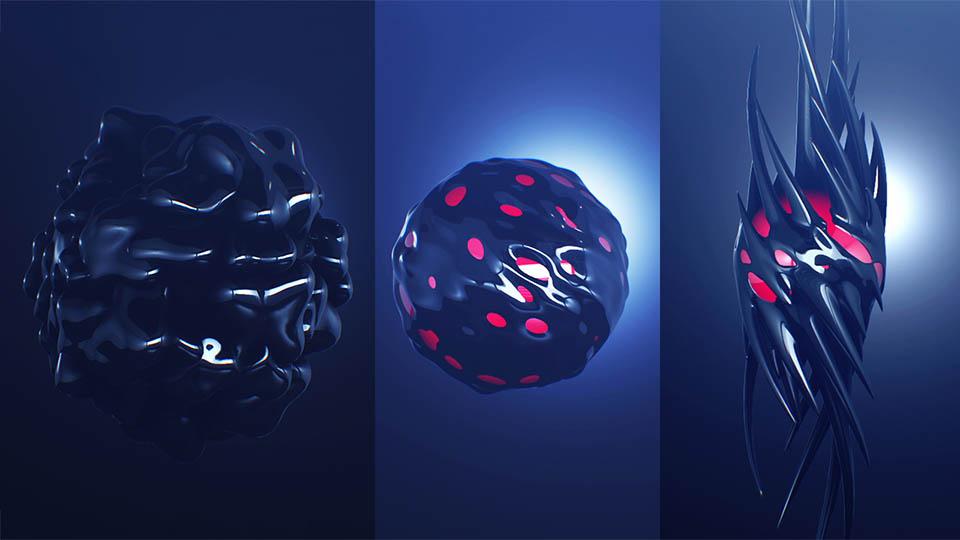
Hey Andrew, you have one noise animation I can't seem to get. It's the one with the red center sphere with a black sphere "bubbling/oozing" around it. I can't quite figure out how to noise recess the "holes" into the mesh.
Superb stuff though.
I'm very thankful for VC, without whom I would not exist in this realm.
11 years ago
Great stuff. Thanks.
11 years ago
Hello,I am a student from China.Thanks for making plenty of useful tutorials for us!
Now I become a VFX artist ,it is your AE tutorials that laid the foundation of my successful VFX job!
You teach us to use AE and 3ds max to make movie visual effect, but when I joined a conpany , my colleagues also use software like Maya and Houdini,do you think it is necessary to study it?
Sony
11 years ago
Hi, How can i create blurred shadow with ray traced shadow option? I m only getting tight hard shadow. Is there anyway to do it?
Kevin
11 years ago
Same... Is it even possible?
10 years ago
Use a point light, cast shadows and diffusion greater than 0
Kevin
10 years ago
Only point light?
11 years ago
Wow Nice You Rock Man !!!!!!!!!!!!!!!!!!!!!
jeff
11 years ago
Wow, VC sure has come a long way from the tutorials of yore. I credit them with easing me into 3D with Element 3D. Having said that, these tutorials of late have clearly moved away from After Effects. I know I shouldn't look a gift horse in the mouth, but how about a less advanced tutorial that isn't about selling a product like in the old days?
11 years ago
Totally with you Jeff!

We did a fun polygon Tutorial recently that was all done with After Effects and I have more tutorials planned that focus solely on AE! I'm definitely going to mix it up!

http://www.videocopilot.net/tutorials/animated_polygon/

Here's the thing, we all know 3D is becoming a big part of motion graphics and VFX, so it's important for me to expand on the capabilities of After Effects!

But Dedicated 3D program like 3D Max or C4D cost upwards of $3000... where as Element 3D is only $199.

The reason dedicated 3D software is expensive is because the software is really complex & powerful! BUT most people, including myself probably only use 10% of the features. So it's hard to justify buying 3D max, just to create 3D titles...

Element 3D can do a ton of great stuff including 3D titles with the added advantage of being extremely fast. (We even have a lot of C4D users that use Element 3D for this reason!)

Another example, even though I love Trapcode Particular, it is $399... not cheap. When I make tutorials, I try not to use it unless I have to but sometimes it is the only way to get a specific look or effect.

And that's the case with Element 3D, I can make a tutorial with 3D max and Vray for people with $3000 software or I can use Element 3D so people can join in for only $199.

At the end of the day, it's all about using the best tool for the job. Sometimes I will use 3D Max with Vray for more complex renders and I hope that 3D Max & C4D users check out Element 3D in cases that will save them time as well.

I'll continue to push the capabilities of AE and let my creative vision help me choose what tools I need to get the job done! And if it doesn't exist, then we will just have to make it!
David
10 years ago
Jeff: I understand what you are saying and Andrew is "Totally with you Jeff". You want Andrew to keep on opening the door to 2d in After Effects.
That?s cool.


I would like to see that door more closed.
Andrew and the VCP-team Invented Element 3d. They build a Plug-in. A killer. I bought it and I would like to see more "selling" of the product!
I would like to see more on how to create scenes with obj-objects in real enviroment. How do you get everything to look realistic? I want more from Metropolitan. Now we have the tools in version 2.
I would love to see more 3d max and trapcode tutorials. Like in "Flight school". Even if I don?t have the products I can get inspired!

I think someone else should lead the way in the "ordinary" After Effects.
And I want Andrew to sell his product.
We can?t blame Andrew for 150 ordinary tuts.
Andrew: Please keep on leading us to the core of Element 3D.
10 years ago
Totaly with david about that !
i too like a 2d tutorial now and then, but i like to see even more tutorials about element3d, which changed our world in AE forever.
zafar
10 years ago
HI SIR .my name is john and i am a motion and vfx artist .
sir i have learned all the graphic from u sir ,u were my teacher and still u are. i have watched all of tut they r outstanding ,amazing . i love your tut.please sir make some vfx tutorial i really missed them .
thank you very much for your hard work for us
sincerely JOHN
Gary
10 years ago
Jeff, I too would like more AE specific tutorials as I feel like I've only really scratched the surface even tho I've been following VCP for years!

I don't agree that these E3D tutorials are 'product selling' tho, quite the opposite in fact. I think most VCP users are on board with the software, so actually instead of selling it Andrew is keeping his customers satisfied by delivering the training/ insight they demand.

I'm in the middle, I miss Sam Loya too... but I frickin' LOVE E3D V2!!
11 years ago
We have been really pushing the limits of Element 3D in house at High Impact! I am very excited to share a recent project we just wrapped where we used Scan data, optimized the mesh and brought it into Element 3D!!! The results I think speak for themselves

https://www.youtube.com/watch?x-yt-cl=84359240&v=JrytNL1BXTU&x-yt-ts=1421782837


Thanks again for a solid plug-in! I am excited to see where our production pipeline heads utilizing element!!

Cheers!
Shaun
11 years ago
Is there a way to animate a sphere (or other object) to sound? I'd like to take a sphere and put a song to it and have it deform with the music...like an Audio Spectrum...Thanks!
agnar13
11 years ago
i use a plug in called trapcode sound key
11 years ago
What if you use Sound Keys, generate the audio information, and then pickwhip the deform property you'd like to the Sound Keys Range keyframe data? That should work.
Shaun
11 years ago
Awesome! I'll try that. Thanks you guys!
Andrew
10 years ago
I asked the same question on the tutorial page. If you dont have the trapcode plugin, you could convert the audio to key frames, which will create a audio amplitude layer. You can use the expression from this website I found: http://www.motionscript.com/design-guide/basic-audio.html

I still have v1 of E3D, so I tried the expression on the 'scale shape' of a group of spheres. I assume you could add the same expression to the deform.
agnar13
11 years ago
Hello,
and thx for this amazing tutorial,
i'd like to know how you did the "low poly deform " in your e3d demo.
and once again i'm sorry for that bad english
Artemus
11 years ago
In Andrew we Trust. Thanks a bunch for another great tutorial!
11 years ago
Hi Andrew !
first of all, love the v2...awsome new features ! realy raised the bar on this one...

so, i have a wish...
in my work i do a lot of movies for military companies,envolving many scenarios of land,sea,sky and space environments.
what i wish for are tutorials on making this kind of environments in element3D.
after seeing the ocean you made in element i tried to recreate it myself...

here is the result and a small breakdown:
https://www.youtube.com/watch?v=WaXBvyTfKew
https://www.youtube.com/watch?v=GhHJzBNGLUo

i think that the community needs now that you,andrew, will show us how to make this kind of environments in e3d. as a 3dsmax artist it would be great to have this environments in near or realtime inside after effects.
i tried to recreate the startrek space nebulas in e3d but had hard time doing it,would love to see how you made it step by step..

again, been using element3D a lot and would love to use it on practical scenarios too...

thanks man !
bobomet
11 years ago
Amazing capability in such a fast rendering tool.
Koz
11 years ago
Nice! I finally understand how to use the deform tools correctly
Chaabane Abdelkarim
11 years ago
that's amazing, it's very nice useful technique, thank you Andrew, i told you that you are an AE Genius
11 years ago
Thank you Andrew, always fun to learn new things with my favorite plugin. A question: How would you make an iridescent material, like a soap bubble or material that changes colour depending on the light?
Kevin
11 years ago
Just started experimenting with the deform options. Here's a quick animation done using only a physical shader for lighting.

https://www.youtube.com/watch?v=rrVUN4TnCiE
11 years ago
Great job Andrew. I love E3D V2.
11 years ago
Nice touch on the increase segments tool. Curious to see if that will effect all models when I get the change to work in the program again.

Christian Michael
https://vimeo.com/115816963
11 years ago
I'm actually surprised why you didn't use SSS, it would look so cool with this organic type of object.
11 years ago
Thanks Very nice tutorial
kkehoe5
11 years ago
I used taper on a Metropolitan building to create a vertigo/dolly zoom effect on a camera looking down the side of the building.
John
11 years ago
Are there any plans to add an option to use your own custom noise maps? Thanks!
Mariusz
11 years ago
Hi,
Why there is no more then 5 group. It's to smal when i want to create more complicated scens.
11 years ago
You can click on the current group and set it to any group you need. The UI only shows the selected group to save space and look cleaner. There is also the unified render that allows you to use multiple copies of E3D to have unlimited groups.
Chaabane Abdelkarim
11 years ago
there is also 5 Aux channels in each group & you can set different copies for exp 2 copies & set the 2nd copy Render mode to Unified for more complex scene, Andrew was mentioned it in:Element 3d v2 first look tutorial:http://www.videocopilot.net/blog/page/4/
11 years ago
I made this scene with 3 groups...

http://youtu.be/jENO6F8VgBw
Stnaislaw
11 years ago
This totally answers my question on how you were deforming them. every time i did this in the past it just didnt work.
Brian
11 years ago
Awesome tutorial but you didn't answered my question about the blue color scheme of your after effects
Stanislaw
11 years ago
The blue color scheme is default in the new after effects cc 2014
Patrik
11 years ago
I think you have version cs6 but andrew has after effects cc.Therefore blue scheme of after effects.
Brandon
11 years ago
Its the latest version of After Effects
Chaabane Abdelkarim
11 years ago
Its the UI from AE CC 2014.1 version, mean cc 2014 updated
I have it already
Brian
11 years ago
@Chaabane Abdelkarim i'll try to find update for my AE CC 2014. THANKS EVERYONE FOR YOUR ANSWERS I GREATLY APPRECIATE IT.
Brian
10 years ago
Thanks guys i updated to CC 2014 13.1 and it's perfect and working perfect with my E3D v1.6.2
David Vizurant
11 years ago
Why does it always take 1, 2 days until the tutorials is available on the website? Does the uploading takes soo long?
11 years ago
Mr. Kramer is going to work! Love all the new tutorials.
11 years ago
Another amazing tutorial, thanks a lot Andrew.
Ryan Griffin
11 years ago
Wow, thanks for pumping these tutorials out to start the year Andrew!
Lulesu
11 years ago
Your awesome dude!, simply amazing........
11 years ago
love E3D V2.Amazing capability