New Tutorial and Free Stock Footage!

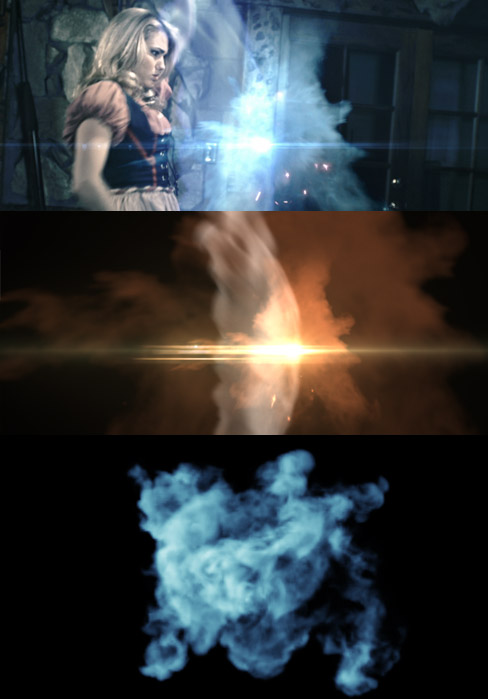
In this mystical new tutorial we will be compositing some stock footage elements and custom made particle effects to build a powerful wizardly blast. We will also use the ripple effect to distort the background around the explosion.

Watch Tutorial

This tutorial uses a clip from Action Essentials 2 & Optical Flares but as a bonus, I have decided to release 120MBs of custom made smoke effects absolutely free.

This custom collection has over 25 HD (1080p) elements of particle smoke effects you can't get anywhere but Video Copilot!
Download Stock Footage now because we Love You! (54MBs Zipped)

POSTED:
14 years ago
The Lost Footage!

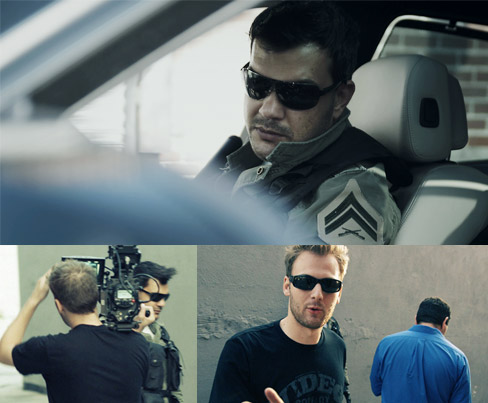
Back in March of 2009, I started filming a trailer/promo for Action Essentials to show off the new elements. Fun idea, Red camera, fake guns, so we started shooting as fast as we could but sadly, we didn't have enough time to finish before the product launch. So it was left behind in the dust.

Now it almost feels vintage but there was a clip that somewhat relevant to the recent Machine Gun tutorial so I decided to release the unfinished scene for whatever it's worth. (Gun still has orange tip... NICE!)

Watch Clip

POSTED:
14 years ago
NEW TUTORIAL: Dynamic Machine Gun

In this tutorial we will create a particle system for emitting specific particles based on a surface type. For example, when the emitter is on the ground we see dirt chunks and when it touches the water we see water splashes. This technique is easy to setup and can be used for motion graphics situations that require dynamic particles types that would be difficult to hand-animate.

The project files contains the expressions and some sample footage to start understanding the concept. For high-resolution footage elements, please check out Action Essentials 2 from our products page!

Example Video

Watch Tutorial

Side Note: If you use multiple elements from Action Essentials 2, you can create more random effects, like this.

POSTED:
14 years ago
New Tutorial: Epic Shatter!

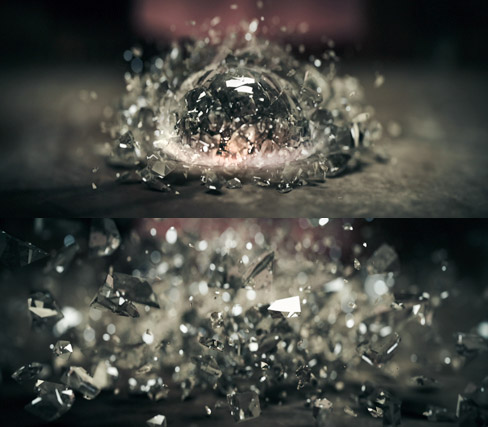
In this exciting new tutorial we will cover a complete workflow from 3Ds Max to After Effects for this exciting shot from our Demon Cam iPhone promo. A fast-45 minutes includes tips for fracturing geometry with Rayfire and creating the shatter simulation, then compositing a Z-pass in After Effects with DOF and Optical Flares.

Watch Now

POSTED:
14 years ago
Cookies & Cream

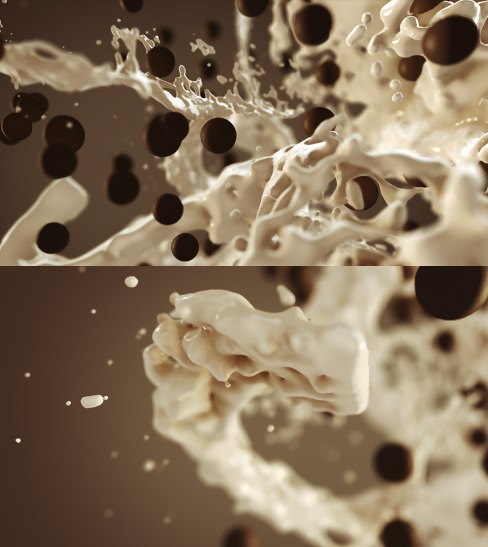
As I slowly emerge from the intense world of development, exciting things happening across the board. Our upcoming plug-in Element 3D, continues to render impressive images from within After Effects, like the one above. Things are definitely getting sweeter everyday.

POSTED:
14 years ago