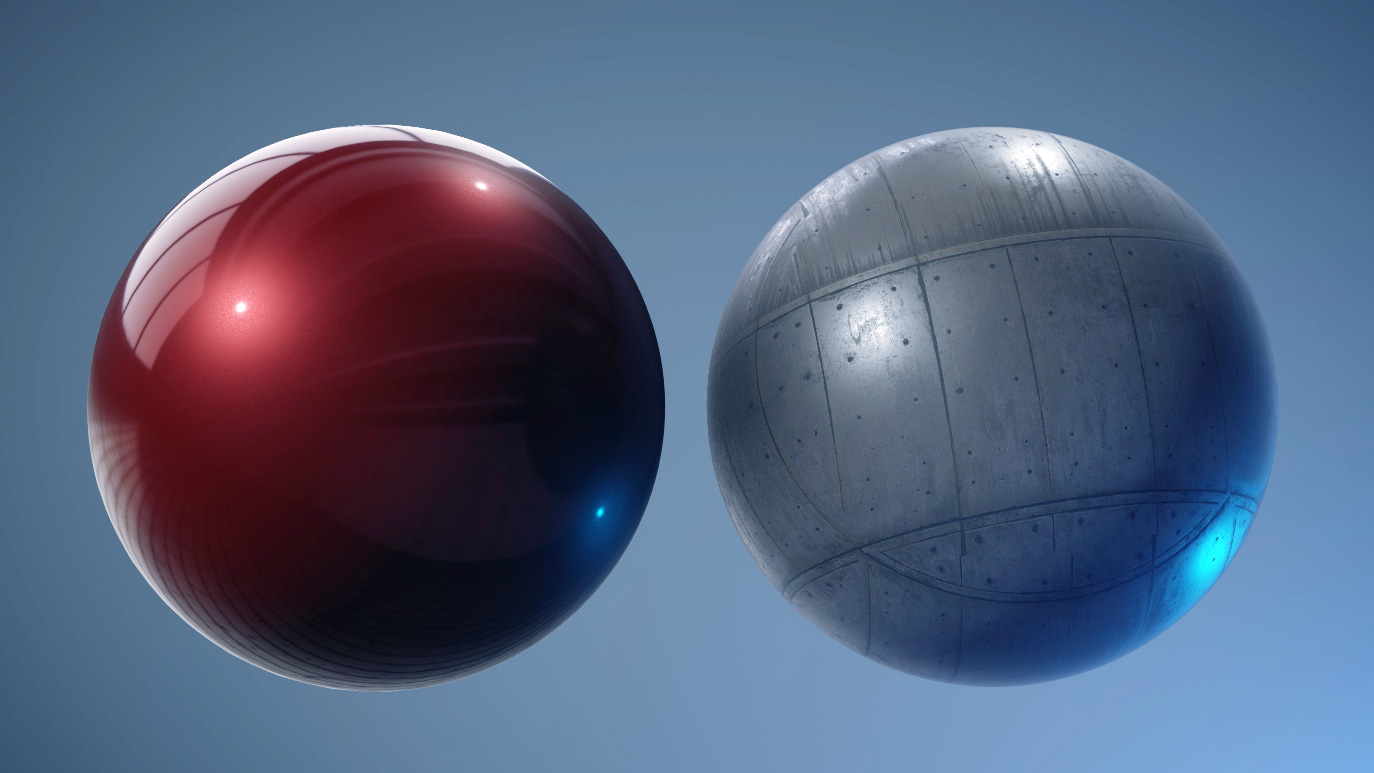
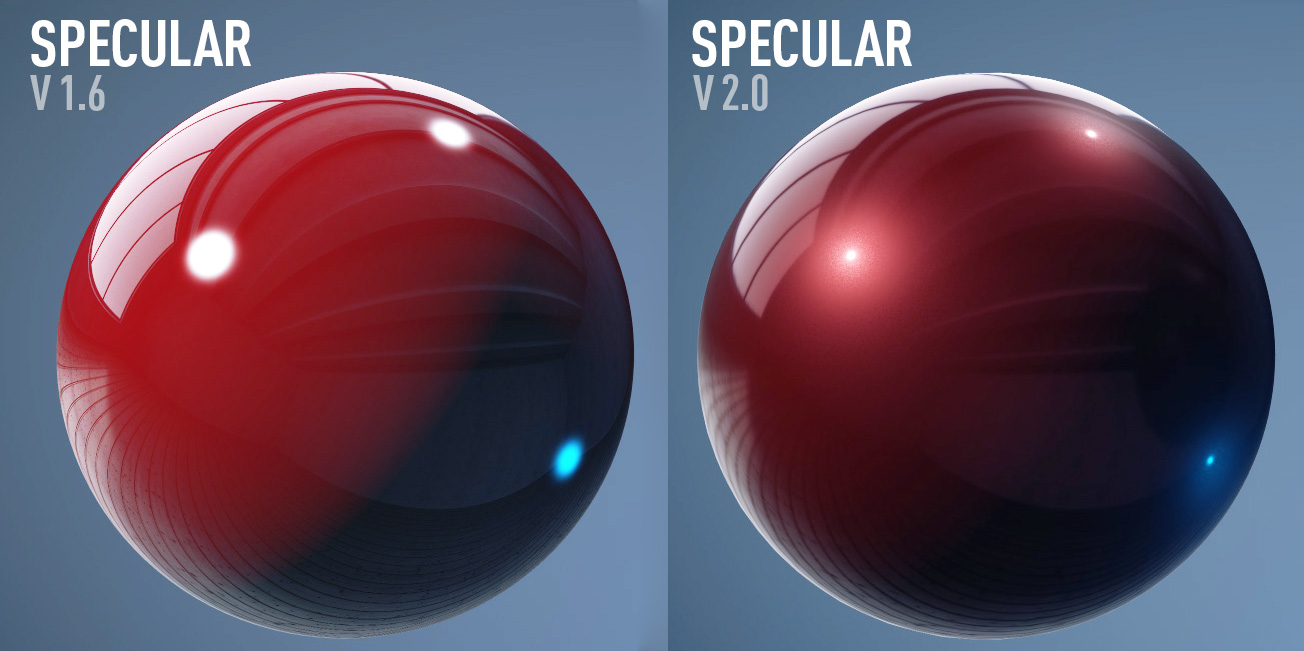
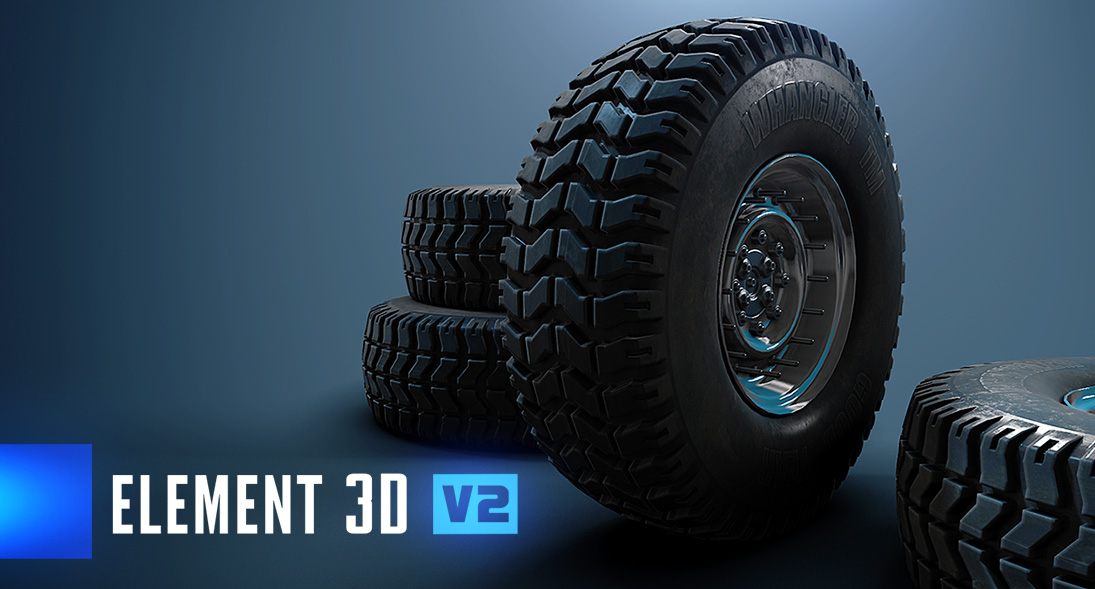
Now that we have released the first look at Element 3D V2, you can see that this is not a small update to our plug-in. It is a massive overhaul with many big features. So, I thought I would take a little time to answer a few technical questions.
NOTE: Pricing information and upgrade paths will be announced soon!
With all the amazing new features in Element 3D V2 (why, thank you!), do I need an insane Graphics Card?
Not at all.
Our render engine is actually more efficient than V1 but we also added many new features so we recommend having at least 512MBs of video memory and 1GB is even better. Certain features just use up memory, so you want to have enough memory to keep things running smoothly and allow more complex scenes. Plus if you are creating 4K stuff, you need to be able to have enough memory for large renders.
What graphics card should I get?
Nvidia and AMD cards have shown very nice performance with E3D V2. Even the mid-range GeForce graphics cards have plenty of power to run V2 with great speed. If your card is more than 4 years old, you can REALLY speed things up with a new graphics card! A decent $150-250 graphics card will go a long way.
Intel cards are not officially supported, sorry. It's hard enough to get the AMD and Nvidia dialed in!
Of course the Titan cards will give you a nice boost, but we get plenty of speed with the high-end AMD and GeForce cards at half the price.
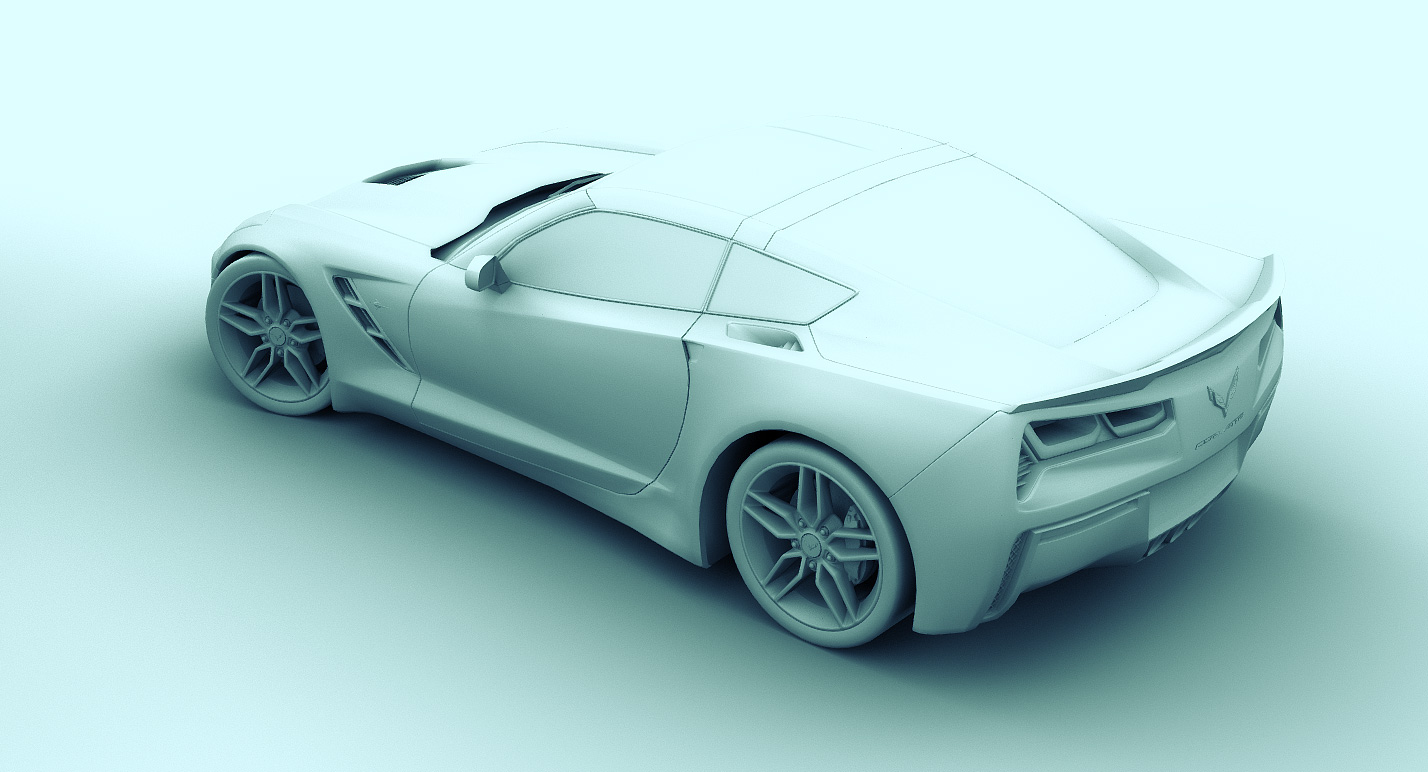
What graphics card do I need for the GPU Accelerated Ray Trace Shadows and Ambient Occlusion?
Both Nvidia and AMD (ATI) Graphics cards that supports OpenCL will allow you to use the Ray Traced features in Element 3D V2. Most cards from the last 4 years support OpenCL and you can take a look at this page for more information.
Of course, the Ray Trace features are not required to use Element 3D since you can always use Shadow Maps and Screen-Space Ambient Occlusion for most cases. Shadow maps will always be faster than Ray-Tracing but when you need that extra accuracy, it's available!
What about Dual Graphics Cards with SLI?
Since Element 3D renders with OpenGL, it is not possible to use more than 1 GPU for rendering. Only Video Games that render full screen can use multiple graphics cards.
However: Cards with 2 GPU's cores (Like the GeForce 690) will speed up OpenCL stuff like the Ray-Trace Shadows and Ambient Occlusion.
What Version of After Effects do I need?
Element 3D V2 will run on every version of After Effects from CS5 to the latest CC 2014. Basically all 64-bit versions of AE.
Mac users need to be running at least OSX 10.7 to use V2.
Will my older projects made with V1.6 open inside of V2?
Yes for the most part but...
Element 3D V2 will replace V1.6 when you install. Projects created in V2 will not open in V1. (Of course, we will always make older versions of plug-ins available if you need them.)
We worked hard to get projects to convert properly but our goal was to modernize the internal system. So the new coordinate system and anchor points work better but if you changed the anchor point in a previous project, you may need to adjust it again. Same for SSAO, we improved the algorithm (and got rid of some nasty banding) but some cases might look a touch different than before.
Of course, be sure to back up your V1.6 projects before opening them in V2, that way you can at least install the older version if something doesn't look right.
With that said, be careful. If you don't need to convert the project, why risk it. Just finish it in V1 and then move on to the glorious V2!
 ALL DESIGN TOOLS