 ALL DESIGN TOOLS

In this tutorial we'll use Particular and a single smoke picture to create pretty realistic smoke trails in After Effects. As a bonus I will also be using Optical Flares to add the bright lights.
Check out our New Plug-in: Optical Flares!
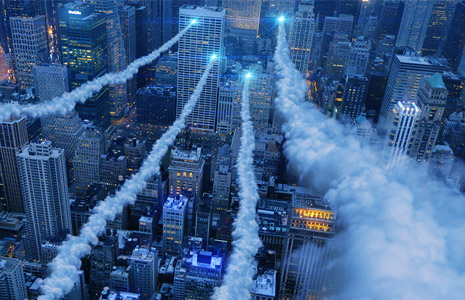
In this tutorial we'll use Particular and a single smoke picture to create pretty realistic smoke trails in After Effects. As a bonus I will also be using Optical Flares to add the bright lights.
Check out our New Plug-in: Optical Flares!
One year before I was born HBO made a very ambitious intro that was said to be the most expensive and innovative concepts at the time (for the medium).
I love the idea of incorporating techniques from the real world inside of After Effects for even more unique results. In fact the whole idea of mattes for compositing come from the early days of film-making...
Watch the final intro above then be sure to check out the making of video below, especially the part towards around 5:30 that talks about the burst of light...
I've also created a project file using that similar technique that mixes 2 images into a subtle animation. Download the Project
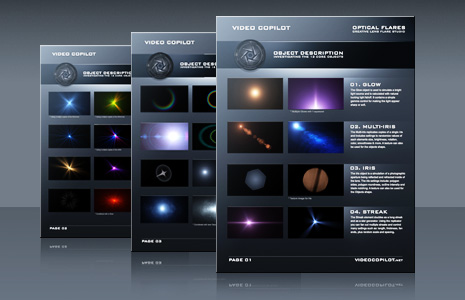
Our new plug-in Optical Flares includes 12 powerful Core Objects that are the building blocks for making intricate lens flares with this tool. I've put together a basic breakdown of the the 12 objects in a handy PDF.
You can also watch a video demonstration in the Feature Videos.
Watch Core Object Feature Video
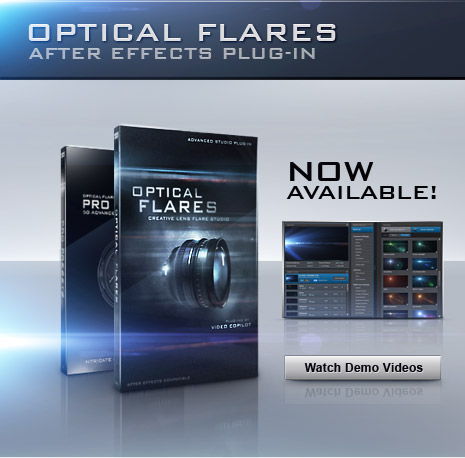
Our new Plug-in for creating lens flares and lighting effects is now available! As always this product includes 5 advanced video tutorials plus access to the Video Copilot Preset Network for sharing lens flare presets.
2 Packages Available:
OPTICAL FLARES PLUG-IN: only $124.95
Includes the Optical Flares Plug-in, 60 Presets and 5 Video Tutorials.
OPTICAL FLARES BUNDLE: only $139.95 (save $10)
Includes all the above, plus the Pro Preset Pack with 50 high-end presets with a crazy amount of detail in each flare.
PRESET NETWORK NOTE:
Upload and share your Optical Flare presets with our new network. Your access information will be sent with your order confirmation.
GPU SUPPORT:
Yes Optical Flares has accelerated rendering with supported video cards. Be sure to install the latest driver from your card manufacturer for best performance. Of course, a video card is NOT required at all and Optical Flares renders beautifully in standard mode. In fact, Optical Flares even checks for GPU support and automatically reverts to the best option so you don't need to do anything.
Our new plug-in Optical Flares will be available Monday morning (around 9AM PST) but we wanted to highlight some key features that you may have missed.
Be sure to check out the product page and watch the feature videos:
Go to the Optical Flares Page
Some Key Features include:
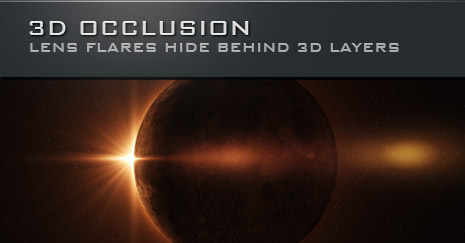
This Eclipse image is a tutorial available with Optical Flares along with 4 other advanced tutorials including a concert scene and building a wall of lights.
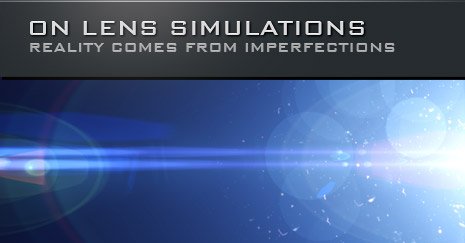
Optical Flares includes 12 HD textures of real lens surfaces.
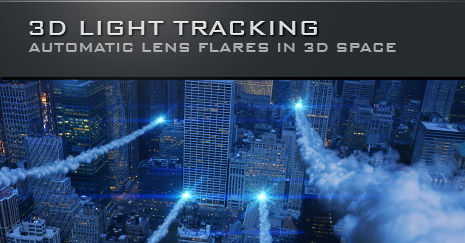
Keep your eyes open for the Missile Strike tutorial at the end of the week as we combine Optical Flares with particle smoke trails!


