 ALL DESIGN TOOLS


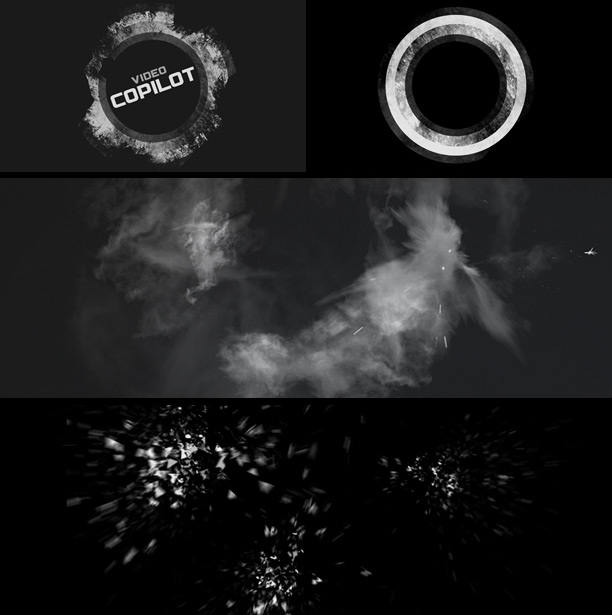
Sometimes I like to play around inside of After Effects to create the look of a design even if it is a still image.
In this design I used some techniques from a couple of previous tutorials to build a complicated looking badge that is actually pretty simple. Then once I'm happy with the "look" of the design, I try to figure out how to animate it on. I find that After Effects is more flexible and non-destructive than Photoshop so I can design freely. This is also why it is better to start by designing the look first, instead of worrying about how the effects are going to animate on. In this case, because of the shatter effects the flying pieces only look right on frame 3 but I'll worry about that problem later!
I made the logo with some simple shapes and added a track matte to give it some grunge. I used different parts of the texture for each ring to give it variation. Then finally I added some Color Correction to the top. Go Curves!
For the debris I used the Pixel Poly effect, then added some Action Essentials 2 smoke and debris bits.
Particle Explosion: Pixel Poly Tutorial


 DH8OgozfQA


