Presenting at DMA / Los Angeles on Tuesday

UPDATE: Thanks to everyone for coming and saying hi. I had a blast!

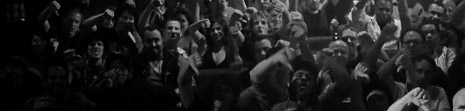
I'm excited to be presenting at the Digital Media Artists / LA meeting next week and hopefully you will can join the fun. It's a free meeting from 6pm-10pm in Los Angeles but you need to register and last year it sold-out pretty quick. Please stop by, it was great meeting so many of you last year.

Remember, there will be plenty of door prizes as well.

POSTED:
16 years ago
More Destruction

In the most recent tutorial called 3D Ball Dispersion, we learned a technique to offset an animation one slice at a time, to create a wave-like effect with 3d balls.

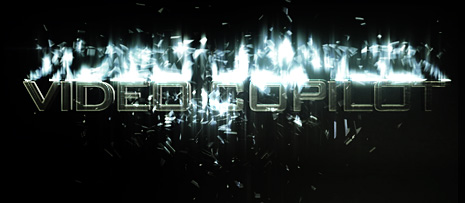
After further experimentation, I'm now working on a follow-up tutorial that takes this technique even further using more built-in plug-ins for a shatter-like effect that breaks up your titles.

Watch Sample Video

More Shatner Effects

And ya, there is a subtle flash of our Optical Flares plug-in to spice it up :)

POSTED:
16 years ago
NEW TUTORIAL: 3D Ball Dispersion

In this tutorial we will learn a technique to offset the animation of the CC Ball Action effect to create a cool transition. This effect uses only built-in plug-in and offers creative flexibility for a variety of looks. The project file also includes a script for offsetting the layers by 1 frame to make the process easier. The tutorial is about 25 minutes but the time will fly by!

Watch Tutorial

New Sample Video with Ideas

POSTED:
16 years ago
Shiny New Title Project

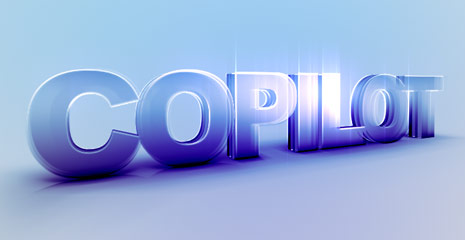
So I'm still getting over a little cold but I wanted to make something shiny so here is a project file that uses 3D looking text with a billion layers to create depth and shadows. Everything was created with After Effect and there are no Lights in the scene.

Watch Sample Video

Download CS4 Project File (I don't have CS3 on my laptop)

POSTED:
16 years ago
More Star Action

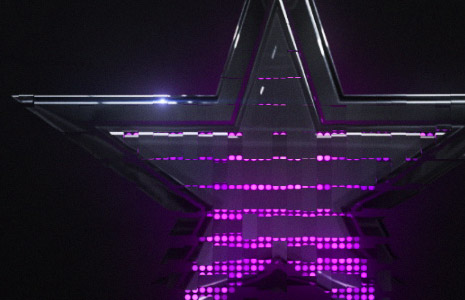
So... I spent some more time playing with the CC Ball Action effect to create a logo reveal. I think there is a lot of possibilities with this plug-in and to simplify one step, we even created a quick script that offsets the layers. In this example I used the Card Wipe filter to animate the logo on after the Ball Action animation.

This example does demonstrate that the animating pattern of the "balls" can be any shape to fit your design. Still working on the tutorial, until then!

Watch Sample Video

POSTED:
16 years ago