Text Animations in 32bpc

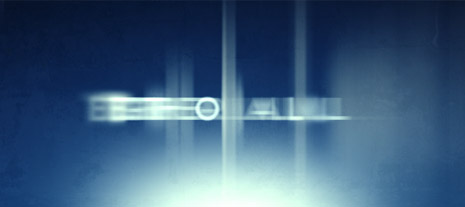
I was playing around with the text animators in floating point color (32-bpc), and created some interesting results. With a high floating point color, the text creates a more vibrant result. Check out the 3D Sparks Tutorial for more information on the subject.

With a little more work, I could probably even make them suck a bit less. That's called confidence!

Sample Video
Download Project File (CS4+)

POSTED:
15 years ago
Particle Animation to Music

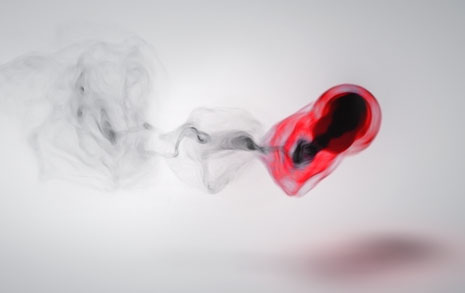
One of the many uses for a particle system plug-in like Particular is the ability 'visualize' music through the formation of particles. I've seen some amazing examples over the last few months and this is one of my experiments called Red Smoke.

Watch Sample Video

Download Project (CS4 & Particular 2 required)

About this Project:
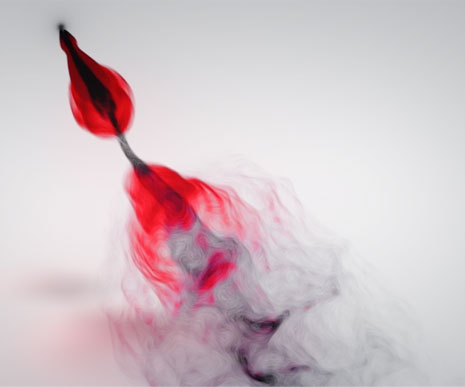

After I extracted the keyframes from the audio amplitude, with this technique, I linked the particle birth and the velocity to the sound intensity with expressions. This made the bursts of particles shoot out farther for the louder notes and tighter for quiet parts.

The original comp was actually black with colorful particles (See sample) but I wanted to create something a bit more unique so I inverted the luminance and colorized part of it so it would be more dramatic Red on Black.

To get away from the sandy look of small particles I used a vector blur set to "Perpendicular" to blend it more naturally.

There are about a 2 million particles per frame so the render took about 4 hours but I lowered the rate while working to speed things up. I also offset the final audio a few frames to match the visual since the birth causes a slight delay.

Side Note: Harry Frank did a pretty in-depth tutorial at RGTV.

If you have any questions, post them!

POSTED:
15 years ago
Audio Waveforms in AE

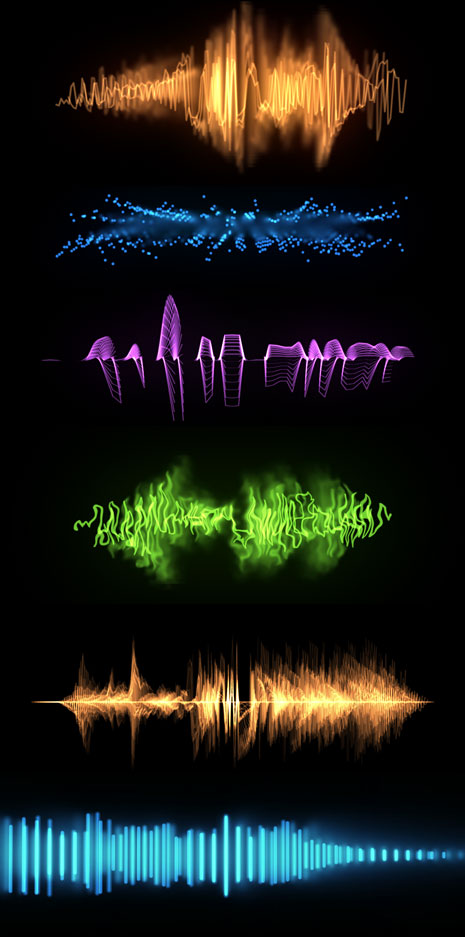
Using the Audio Waveform plug-in I've built several comps with interesting looks, including many with 3D space. I linked some of the waveform settings to a control layer to offset multiple copies. You can swap out your own audio and make changes to the control layer.

If you want to make some more serious changes, delete all of the copies except for one. Then make changes to the settings and then duplicate it a dozen times or so.

Most of the concepts used to offset multiple copies can be found in this tutorial. You can also extract keyframes from audio with this animation tutorial. And, if you are new to audio in After Effects check this blog post too.

Watch Sample Video

Download AE Project (CS4)

POSTED:
15 years ago
FREE PROJECT: Fiber Particles

It's been a while since I've posted a free project file so here is one I've been messing with lately... It uses the CC Hair plug-in to create random moving fibers and then I used the Mirror plug-in to add a classic... well, mirror effect.

Download Project File CS4, just change the font to something you have.

View Sample Video

POSTED:
15 years ago
Free 12-Gauge Shell

Good news Thursday May 20th is my 4-year anniversary to my sweet wife so in celebration we're giving away a free shotgun shell clip. No, we didn't have a "shotgun-wedding" but we do shoot some of the extra toaster overs.

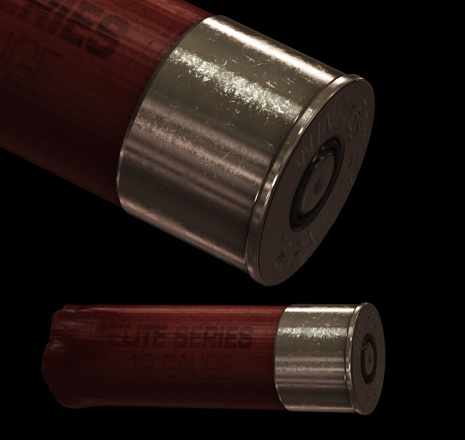
This high-resolution clip comes pre-keyed in 2-versions for fast or slow-motion; it also loops seamlessly. For help looping in AE Click Here.

I added the words "Elite Series" so that people would not question my shotgun shooting abilities.

Watch Sample Video (this version does not have alpha)

Download Free Clip (17 MBs)

Compositing Tips: Place animation over your footage and animate the rotation over time to give the shell more variation as it spins out. You might also try moving the pivot point closer to the metal so it rotates off-balance for realism.

NEED MORE ACTION FOOTAGE?

If you like this clip be sure to check out our Action Stock Footage collection that features muzzle flashes, explosions and more spinning shells for .45 and .223 caliber brass.

More on Action Essentials 2

POSTED:
15 years ago