 ALL DESIGN TOOLS


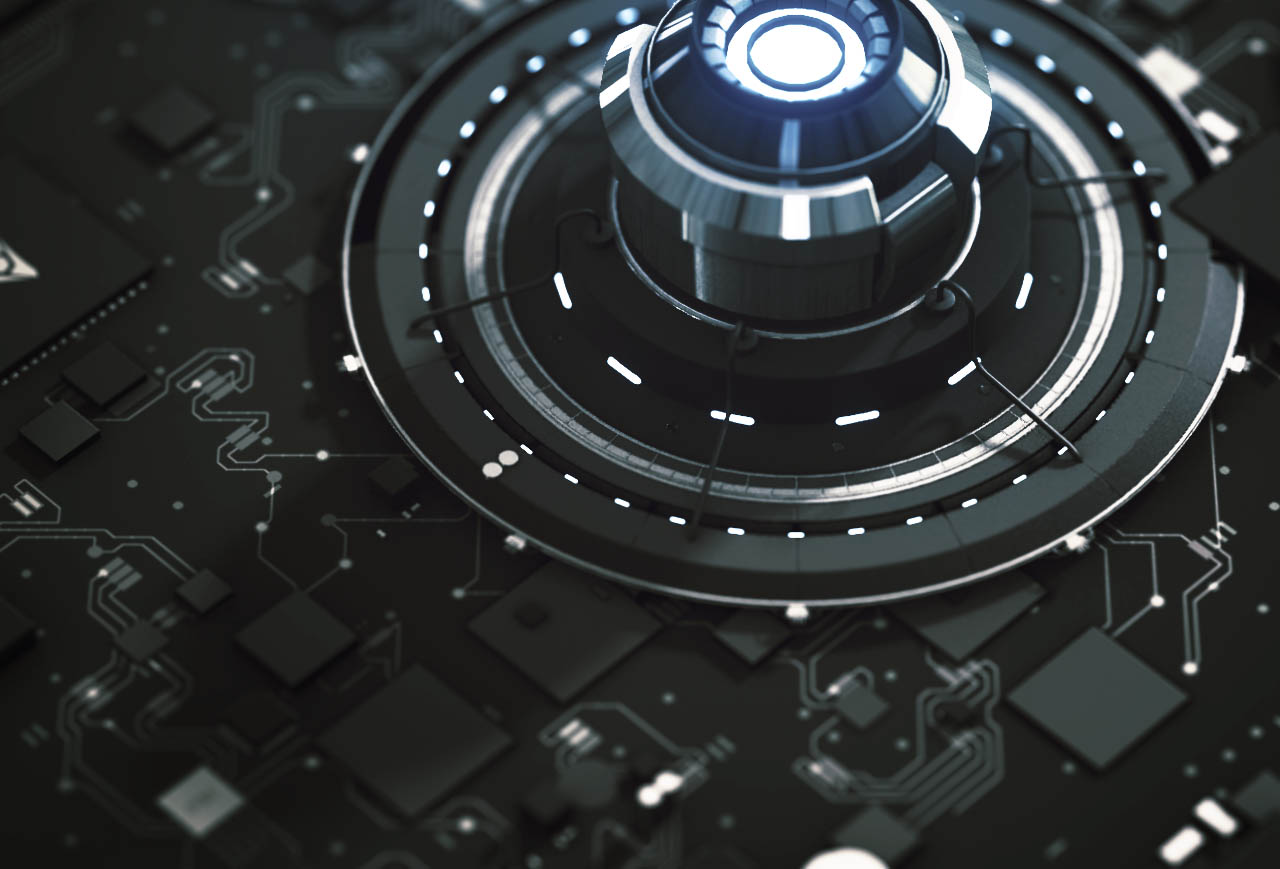
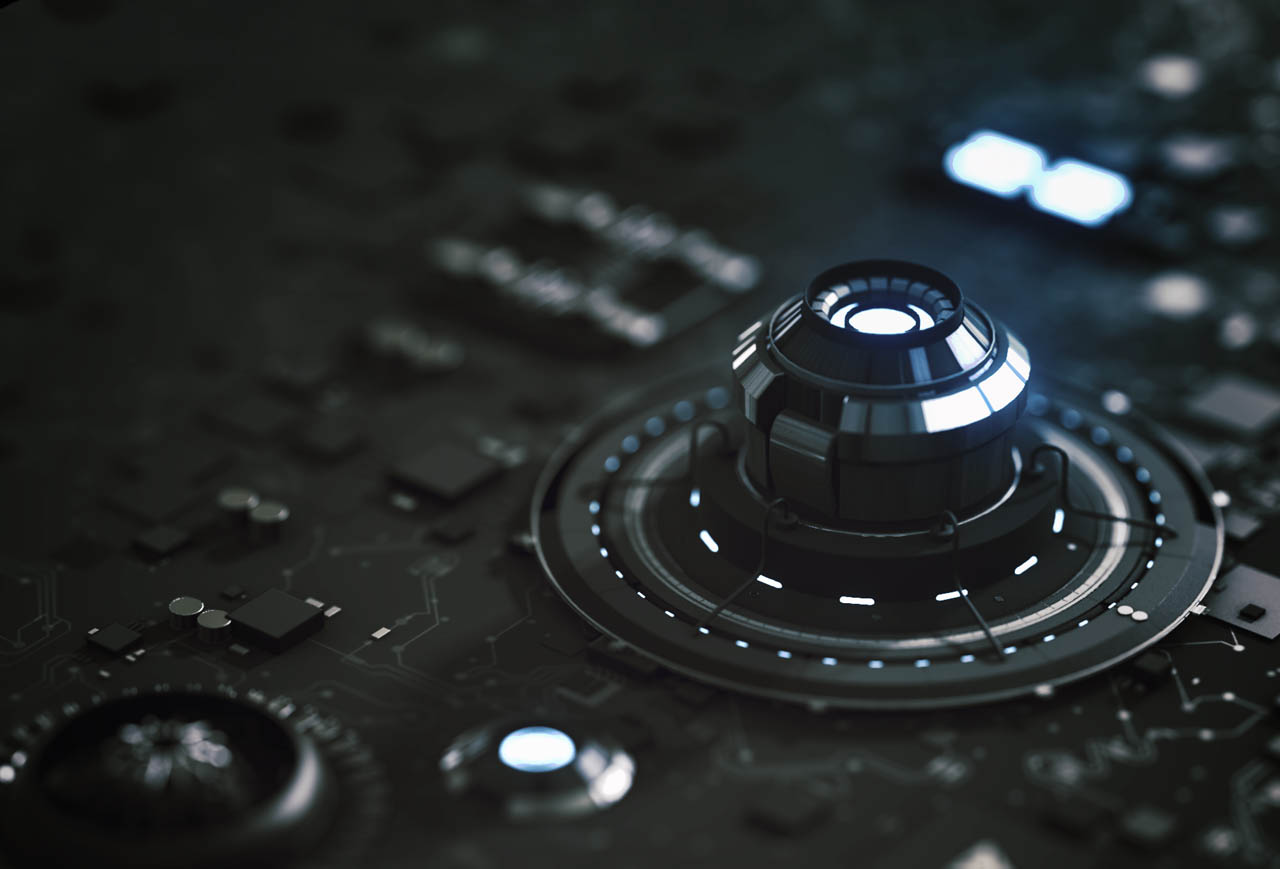
Making circuits! After trying to create something large, I thought I should try to make something small!
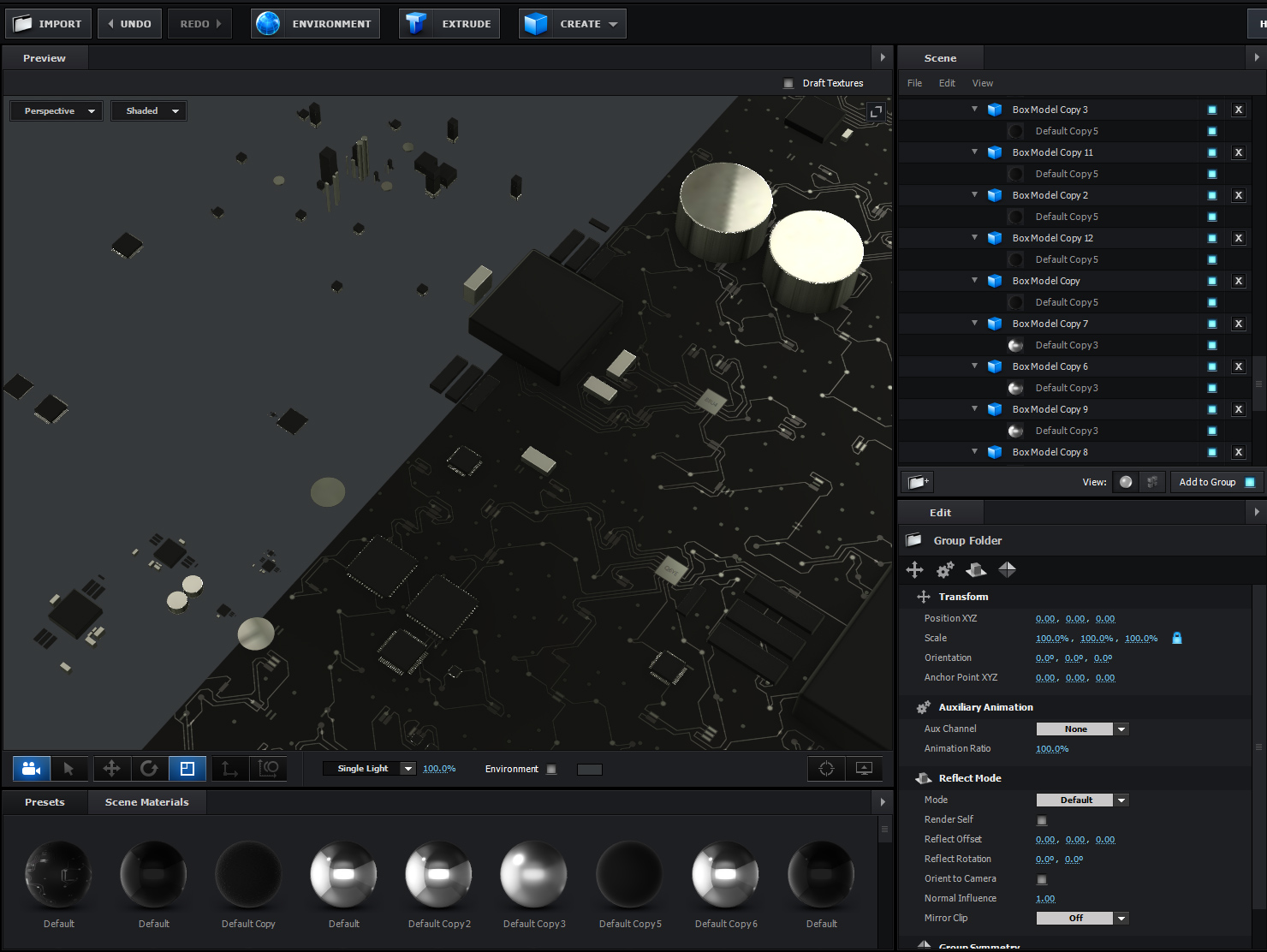
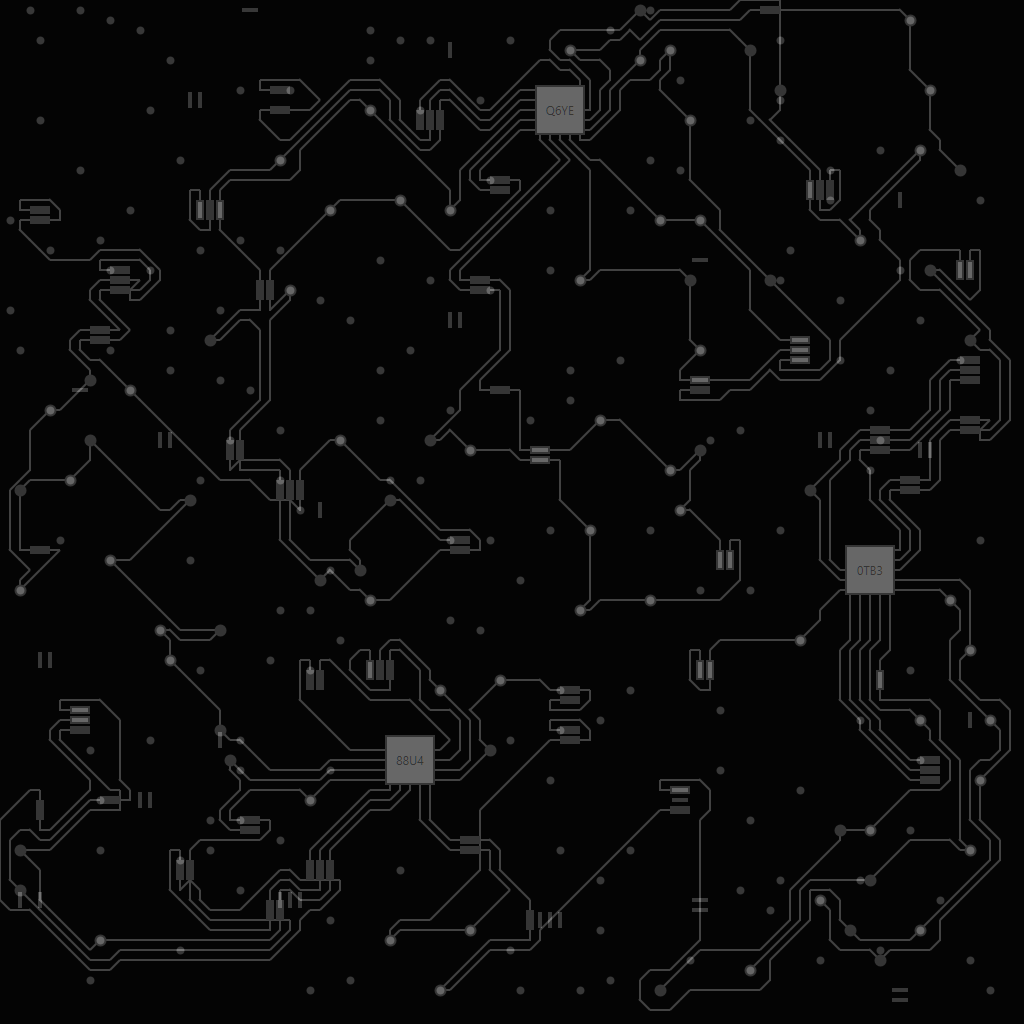
I started by taking a circuitry texture and placing it on a plane in Element 3D. I used the texture in the Glossiness channel and the reflection channel to give the pathways a metalic look. Next I built the circuits using various primitives like box and cylinder at various sizes and placed them around the board near the components of the texture. I couldn't help myself and I ended up adding some motion design elements like the power core and microchips. It's amazing how some random object suddenly looks like a fancy heatsink (heat-sync?) in the right context.
And finally for the micro look, I turned on some camera depth of field!
I've included the circuit texture below so you can try it out!


 Great work.
 Any ideas as to what setting in AE I have missed?
 LJq1LCcpz7vt8iWgVtBzaZm3LLQnh6qtF
 Adem?s de bien explicado el workflow. Voy a comenzar a trastear con Photoscan, pinta genial. Gracias por postearlo!


