 ALL DESIGN TOOLS

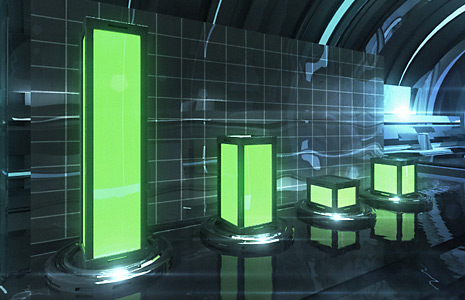
If you have ever made a Bar Graph, you know they can be a bit tedious to manage especially when your statistics change and require adjusting all of the bars! (And they will) Well, if that made sense to you, I feel your pain. For everyone else the picture will get much clearer when I take you through a practical use of expressions involving Time-Remapping. I will be using a bar graph chart as the example but these expressions are versatile and will likely give you ideas for your own projects.
One of the key benefits here is that I have rendered out my 3D Bar scene (that was designed for this tutorial) and it took about 5 hours but inside of After Effects I can control each bar individually eliminating the need to perform additional 3D rendering to adjust the bars.
Harry J Frank has a cool little tutorial from back in the day (AE 6.5) for building your very own pie graph in After Effects.
I know expressions can be a little tricky so I want to make this tutorial easy for everyone, stay tuned.
Watch Sample Video HD
Set Image On JPG
Set Image Off JPG


 .
.


