New Tutorial: Classic Car 3D Text!

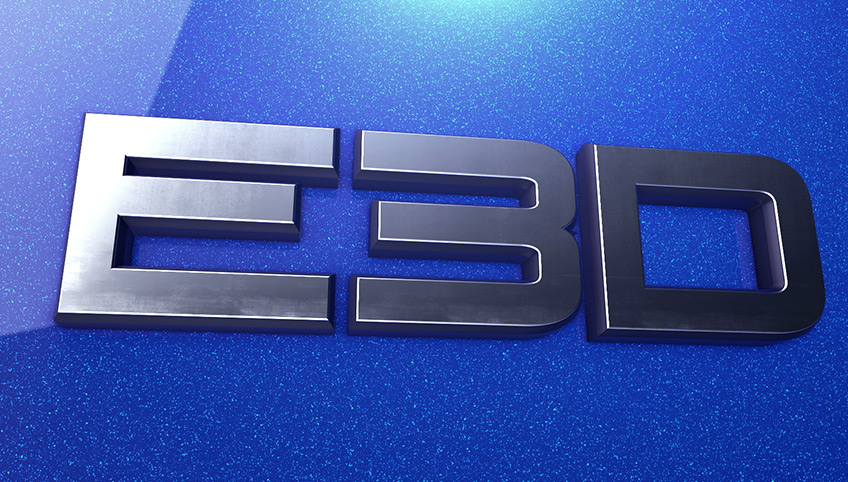
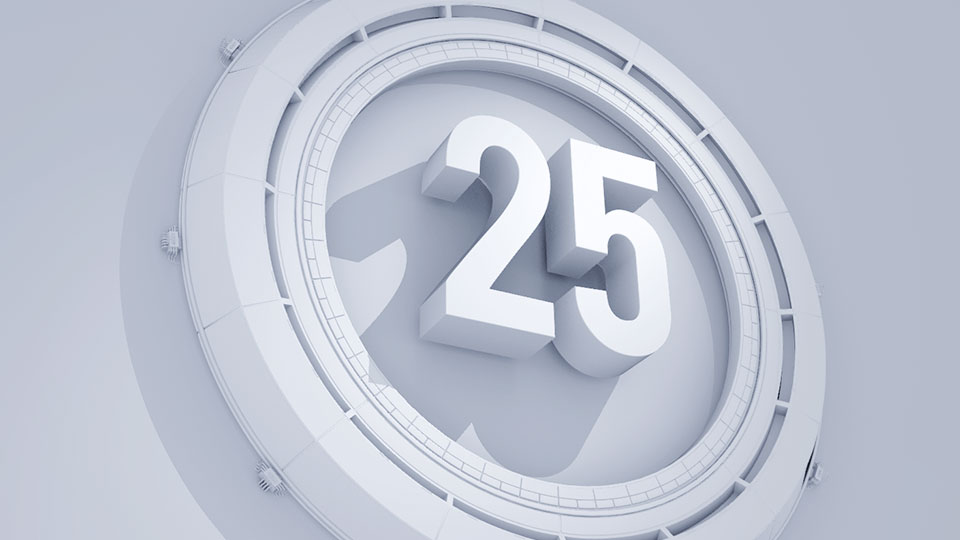
In this tutorial we'll create aClassic Car 3D titleusing our new plug-inElement 3D V2!

Tips in this Tutorial

  • Extruding Text & Adjusting Bevels
  • Outline Bevel modefor creating Emblems
  • Dynamic Reflection Modes
  • Create fake car paint flake material.
  • Tips for adjust render quality

Watch on Youtube in HD

Watch on Video Copilot

StayUPDATED!
If you own Element 3D V2, be sure to download and install latest version!
Download & Update info V2.0.7

Tutorial Assets:

Download Noise Texture for Car paint

Link to Great Vibes Font

POSTED:
10 years ago
New Tutorial: Animated Polygon!

Welcome back everyone! 2015 is upon us and we are getting busy!

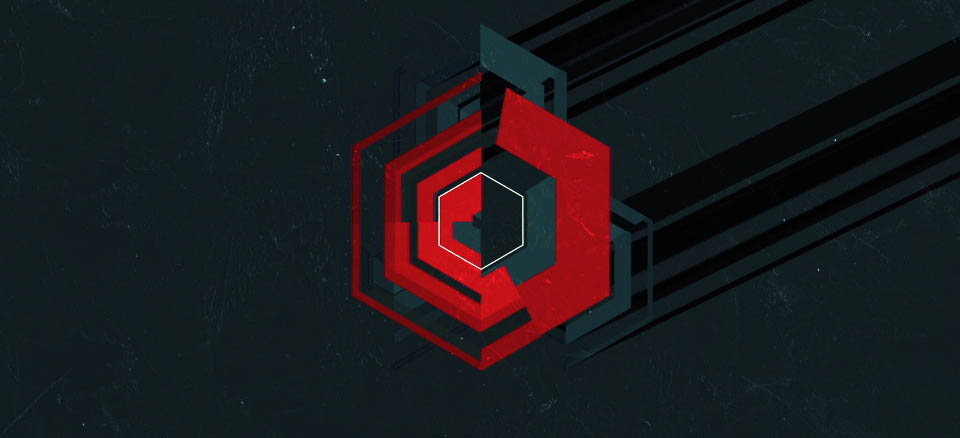
In this exciting new tutorial we'll be creating a fun cascading polygon using some sweetanimation tricks! This technique is highly customizableso you can start experimenting now!

It's 2015 let's push things to the next level and learn everything we can!

Watch on Youtube in HD

Watch on Video Copilot

All Sound FX Created with Video Copilot's MotionPulse!

Download Project File AE 2014! (Sorry, I don't have an earlier version for this project!)

POSTED:
10 years ago
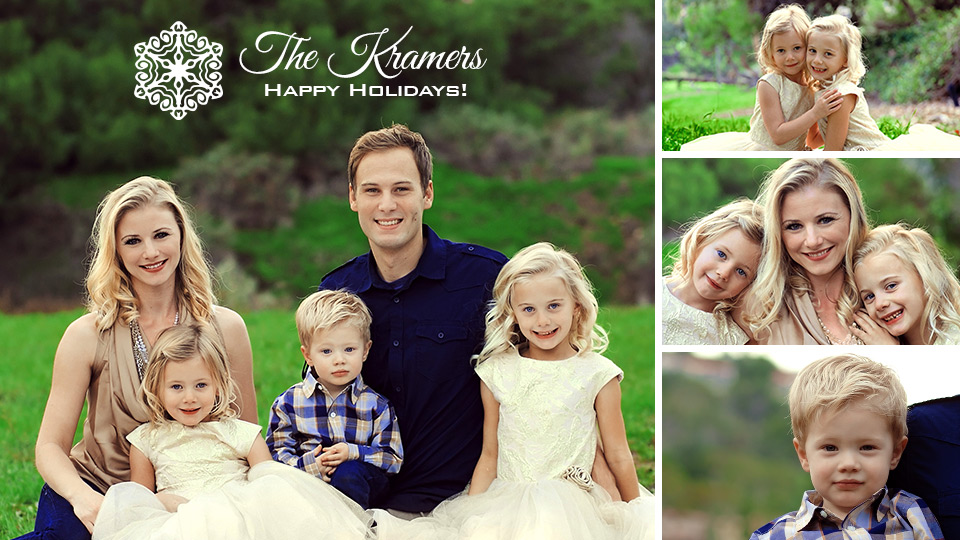
Happy Holidays from the Kramers!

Wishing everyone a happy and safe holiday fromthe Kramer family and everyone at Video Copilot!

Thank you guys for being part of this amazing community, we are beyond excited for next year since it will be the the 10 year anniversary of Video Copilot. I can't even begin to express what that means to me, it's so incredible!

Looking forward to an awesome New Year!

PS:I also want to thank my wife for all her love & support and apologize for using the Bank Gothic font on the holiday card!

POSTED:
10 years ago
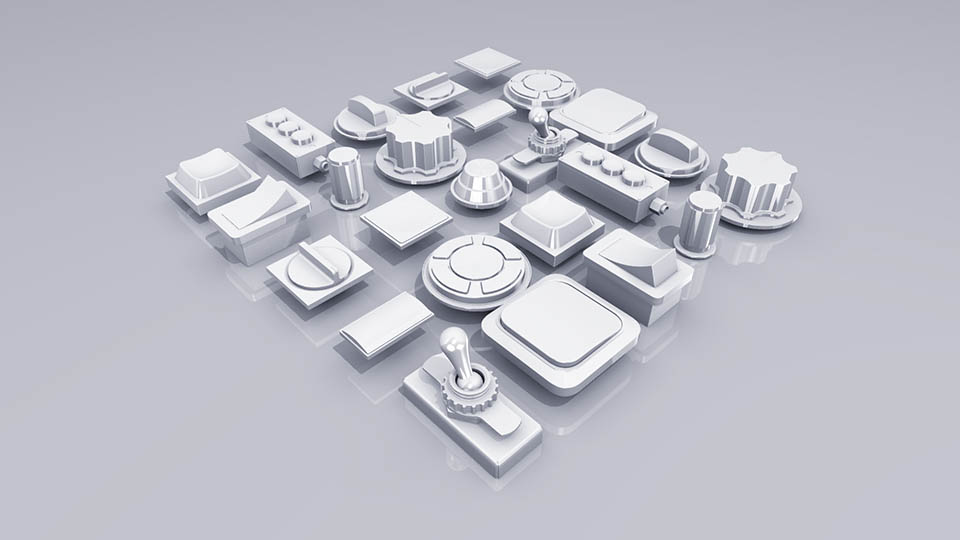
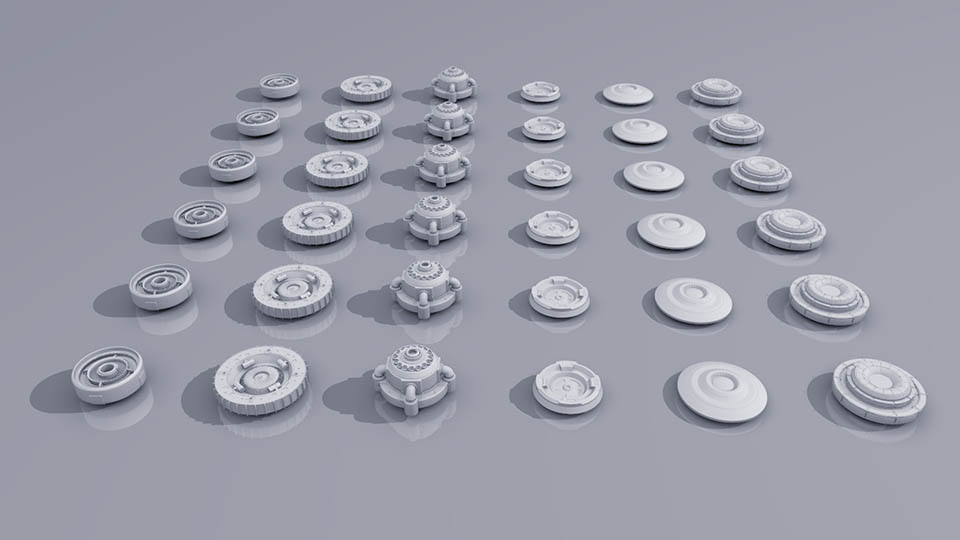
Clean Lighting with Element 3D V2

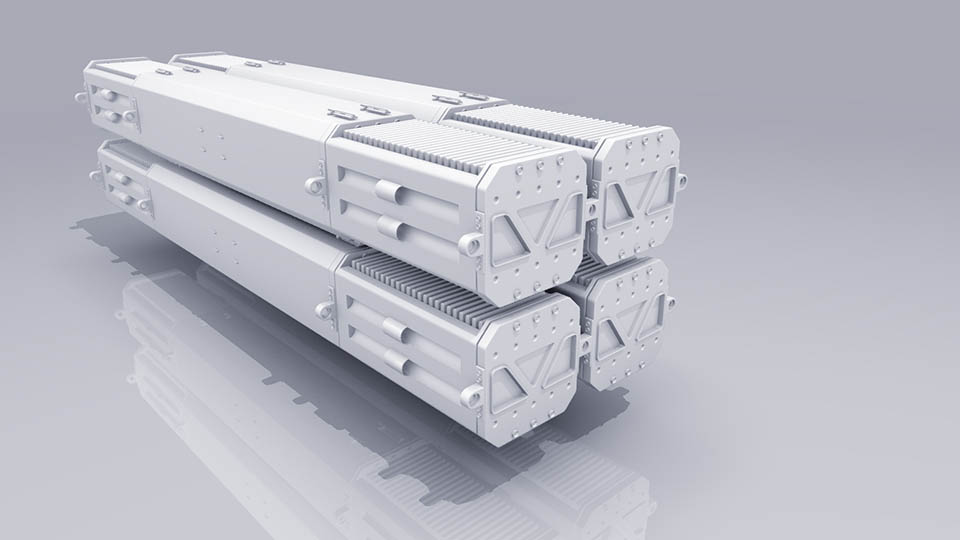
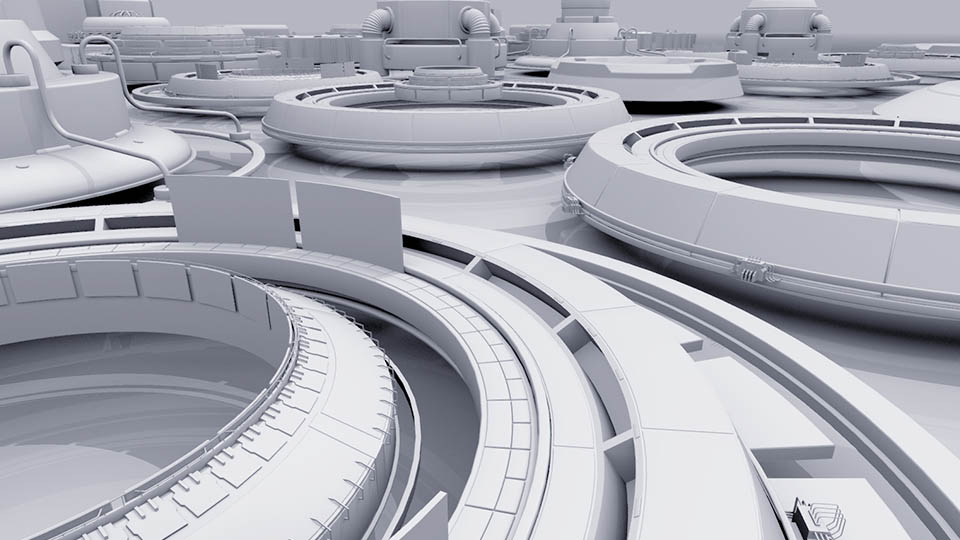
Here are a few experiments created in Element 3D V2with simple lighting and Ambient Occlusion. In these examples I'm using the Ray Traced AO which is a bit slower but creates very nice results.

The other important setting I like to use is called "Lighting Influence" under the Physical Environment. This setting helps blend the shadow darkness with the environment (IBL), tocreate a nice Global Illumination look. You can also tint the Environment color to change the overall look and mood.

Some other Tips I Use:

  • Use one or two lights (too many lights can look busy)
  • Turn roughness of material down so that it has a matte white surface
  • For Ray Trace AO, turn the spread down to .85 to create more contrast
  • Turn down the adaptive blur blending to make AO tighter. (Blur Blend)
  • Switch between preview mode and final render to speed up Ray Trace performance while you work.

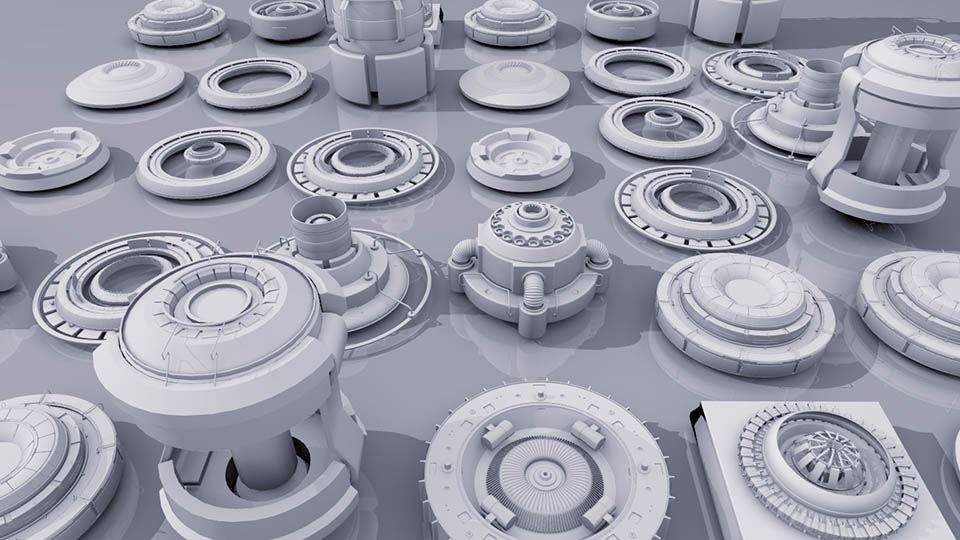
But then again, maybe I'm just trying to promotesome of the awesome models inside the Motion Design 2 model pack!

POSTED:
11 years ago
3D Noise in Element 3D V2!

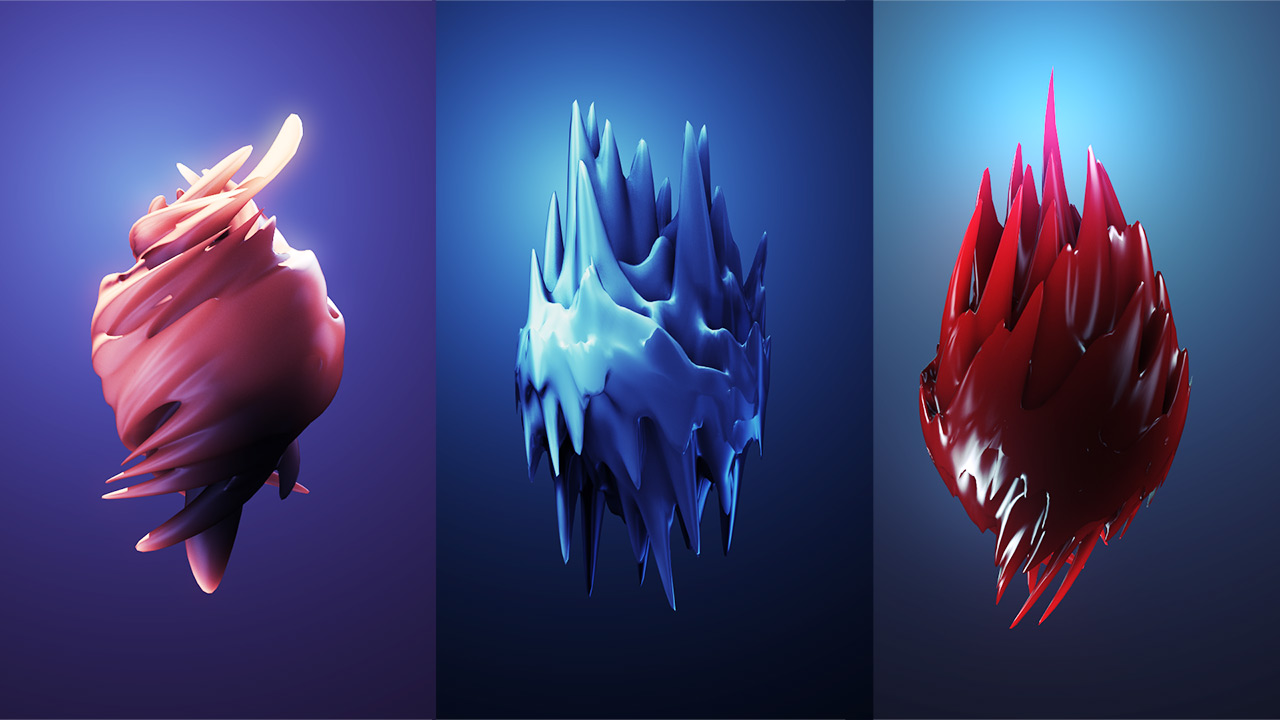
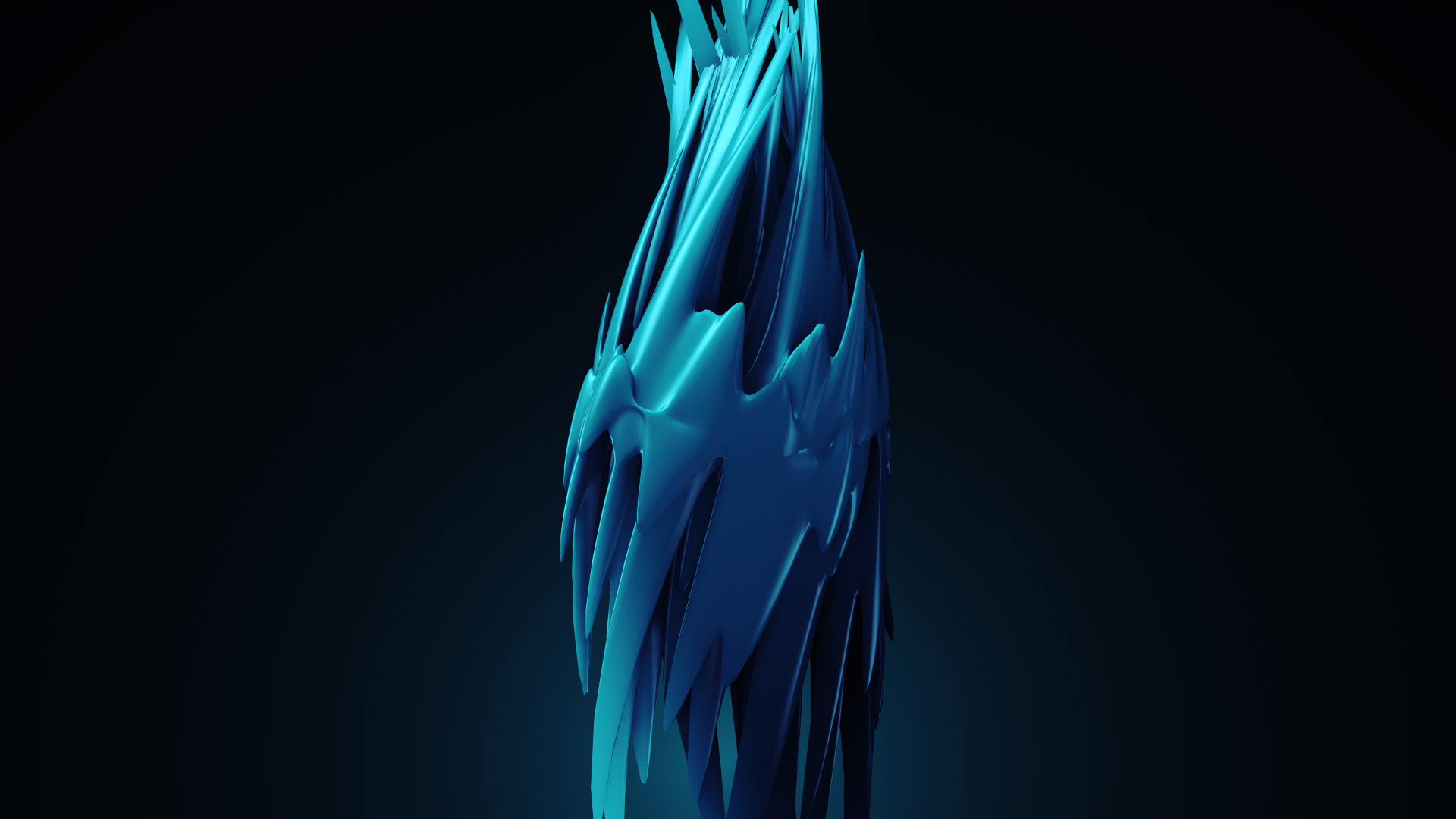
One of my favorite new features in Element 3D V2 is the new 3D Noise options and deformation!

Here are a few experiments where I use various bends and twists along with 3D distortion to stretch a sphere around. I don't know what these thingsare but I feel like eating ice cream and licorice now!

Check Out Element 3D V2 and see what's possible!

POSTED:
11 years ago