Past and Present

It's always my intention to post on the blog more frequently and then things get busy and I forget... I'm just going to start posting more often and see what kind of "slow news days" I can come up with!

Upcoming Tutorial
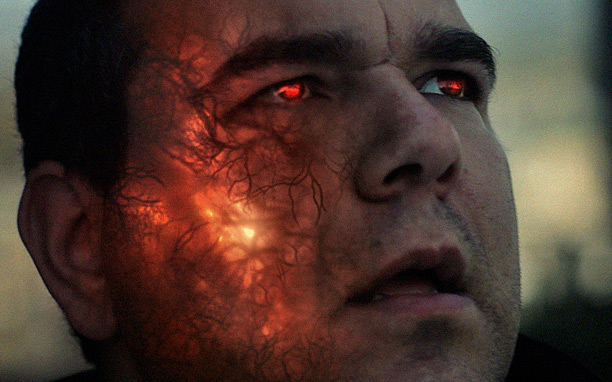
Today we do have some exciting news! This tuesday we will be releasing a new tutorial for creating sub-surface illumination based on the Iron Man villains! This tutorial has many great tips and trick you don't want to miss.

Future City Pack (Free community-built model pack)
The deadline for the Future City Pack submission is JULY 20th and we are getting ready to launch the submission page for you to upload. See Future City Pack Information.

Element 3D Update V1.6.1
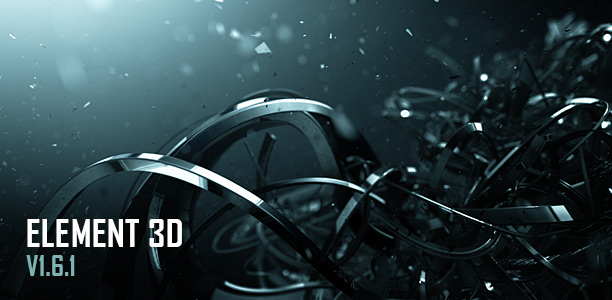
Also last week we released Element 3D V1.6.1 that tackles several bugs and performance enhancements. Plus a sweet desktop background made with Element 3D!

Download the update Here

Optical Flares for Nuke Released
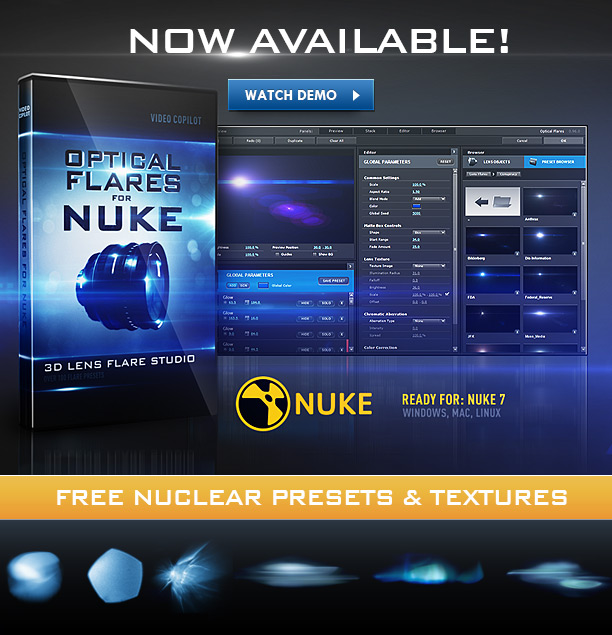
We also released Optical Flares for Nuke to bring our professional Lens Flare plug-in to even more feature film compositors!

Check that out Now!

POSTED:
12 years ago
Element 3D V1.6.1 Ready to Download!

Element 3D V1.6.1 is now available to address many bugs and stability enhancements from V 1.6 plus this free wallpaper!

The update is free to current customers or you can get Element 3D and join the 3D revolution!

https://www.videocopilot.net/products/element/update/

Changes:

  • Fixed incorrect World Position Null when using downsampling.
  • Fixed Matte materials when using Supersampling.
  • Fixed slowdown when using 3D Object replicator.
  • Fixed crashes when using Generate 3D Position.
  • Fixed crash when using Multi Processor rendering.
  • Fixed environment map not relinking properly.
  • Changed Default settings of Extrude tool.
  • Added AE CC directory to installer.

NOTE: Extrude tool default has been updated to make extrusion easier. The spike filter has been turned on to help cut bad polygons and the normalize scale mode has been turned off by default. This allows text to be created and edited without completely resizing when you change the text. Keep in mind the size of the bevel is based on the size of your text layer.

Top Features in previous updates: V1.5 and V1.6

  • Animated OBJ Sequences Support
  • Built-In Glow Rendering
  • Added generate 3D position null.
  • Added group nulls.
  • New Draft Modes for faster workflows
  • New Particle Distribution Ordering & Repeating Options

Watch Feature videos for previous updates

POSTED:
12 years ago
Now Available: Optical Flares for Nuke

Optical Flares for Nuke is now available!

Check out Features and Videos!

Top Features:

  • Custom Lens Flare Generator
  • Over 100 Presets Including new Nuclear Presets + Conspiracy Presets
  • 70+ Photographic Textures & Anamorphic sprites
  • On Lens Simulations
  • Save and Share Presets
  • Dynamic Triggering for automatic animations
  • Generate multiple 2D Lens Flares on a single instance
POSTED:
12 years ago
Element 3D Weekend Experiments!

Just playing around with Element 3D and the replicator options. Most objects are from the Motion Graphic model pack which makes it easy to swap out various abstract shapes to achieve various looks. I don't know what it all means but it's definitely shiny.

POSTED:
12 years ago
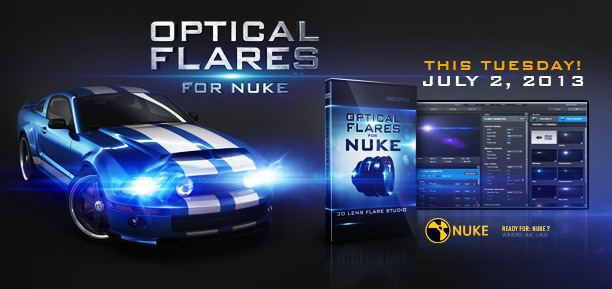
Optical Flares for Nuke Available Tuesday!

The day has finally come... Optical Flares for Nuke will be available this Tuesday! The Nuke version includes several brand new textures and presets along with several new features and improvements.

Watch Tutorial Video (HD)

NOTE: Originally I decided not offer upgrade pricing since this version required major customization, including rebuilding the UI and all new 3D engine BUT, recently I've decided to reward our past Optical Flares customers with a Cross-Grade pricing of $99.95 for a limited time. So if you already own Optical Flares for AE, you can get the Nuke version for 50% off.

PRICING:
Optical Flares for Nuke: $199.95
Cross Grade from After Effects Version: $99.95

Site Licensing & Render Node Versions:
We are taking pre-orders for multi-seat licenses, please email info@videocopilot.net for information!

POSTED:
12 years ago