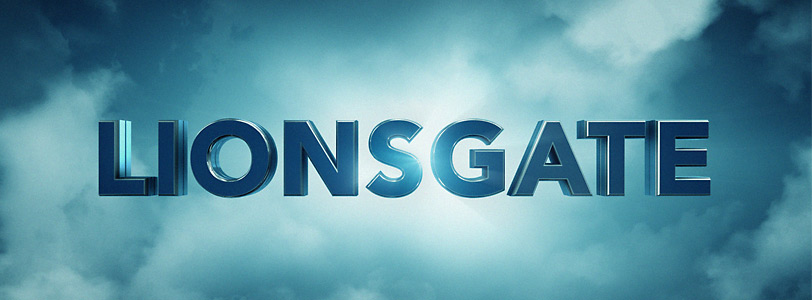
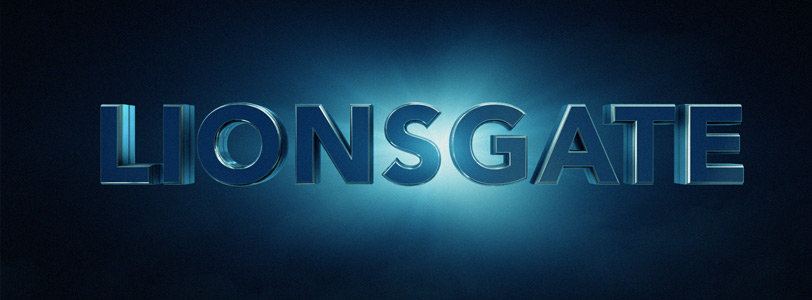
Tutorial: Lionsgate Studio Logo

I decided after all to put together a tutorial about the Lionsgate Studio Design and here it is!

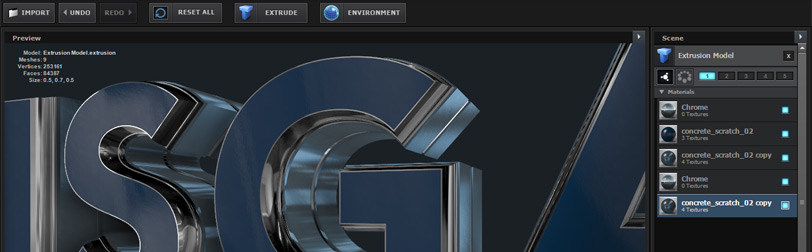
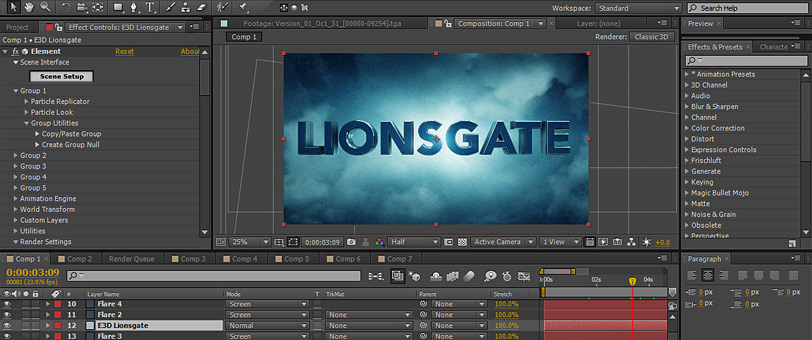
In this tutorial we'll take an in-depth look at building complex bevels with Element 3D and give your titles a shiny finish. We'll also looking at Lens Flares, Render Settings and adding some nice Light Rays.

Watch Tutorial & Download project File

Original Design Credit:
The actual Lionsgate studio design was created by the talented folks at DevaStudios!
Check out their work!

POSTED:
12 years ago
Recreating Complex Bevels

After seeing the impressive Lionsgate title treatment I thought I would try to recreate the intricate bevel in Element 3D. While it is not exactly the same, I was able to use a single extrude object with 5 bevels layers. Here is the previous text tutorial that examines the extrude tool in Element 3D.

Don't forget only a couple more days left on our Cyber Sale!
Save 25% on All VC Products & Bundles

POSTED:
12 years ago
Almost Human Main Title

So.... I've been busy lately finishing up some intense work on the main title for the new FOX show Almost Human and tonight is the second episode of the series!

Working on this sequence was both fun and challenging but as always, it was great to part of another cool project! We used After Effects along with 3DS Max and even some Element 3D to create many of the shots. Originally the title sequence was going to be shorter but it evolved into a longer montage about the show. We ended up working on about 10 shots that were edited together with footage from the show to help tell the story.

I'll try to create a more detailed video breakdown soon, but here are some still frames of some of my favorites.
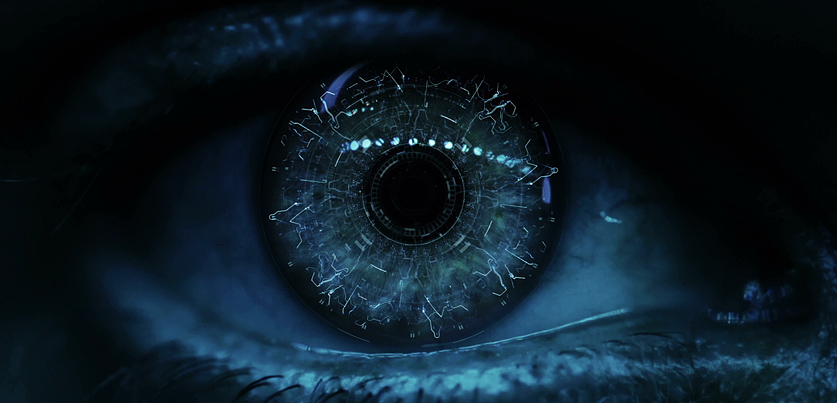
This digital Iris was created by filming a real eye with a Canon 5DM3. Then I used several 3D layers to add depth to the vein network as the camera passes through into the Main Title.
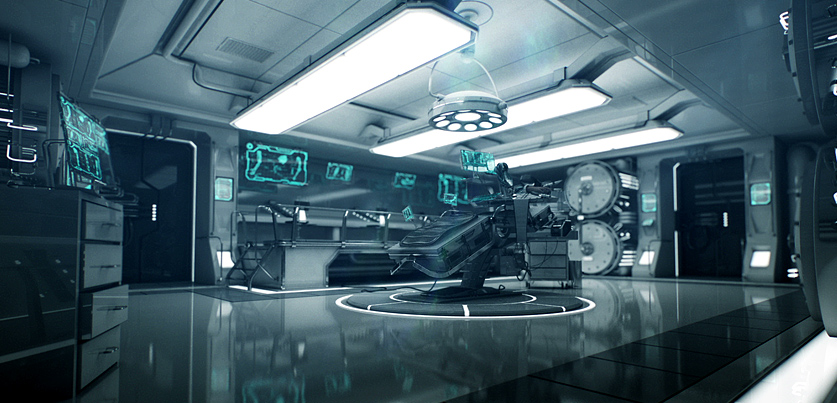
This room was created in 3DS max with help from the Video Copilot modelling team via Stefan & Alex. I compositied in After Effects with the Z-pass to add depth of field. The shot included some really cool high-tech screens as well as detailed medical equipment from the future! Luckily we had a render farm because this shot took about 8 minutes per frame to render.
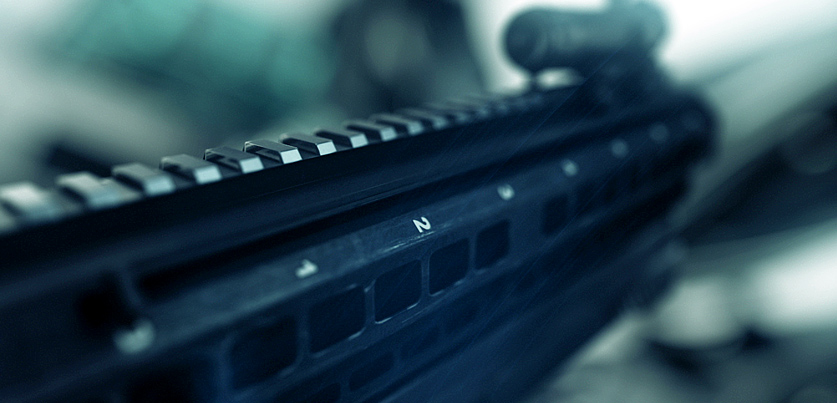

This gun model was created in 3Ds Max and imported into After Effects with Element 3D for precise animation & lighting.
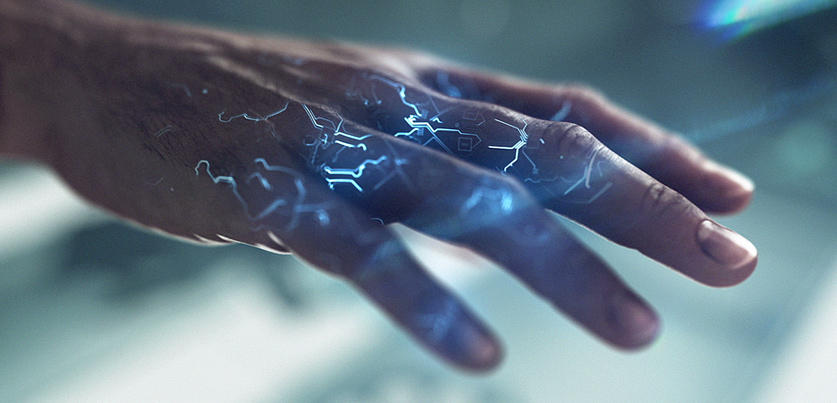
This hand shot was rendered in entirely in Element 3D from a high quality hand model. The digital circuits were created in After Effects and mapped to the hand using a second copy of Element 3D on top of the original to give it a glowing effect.
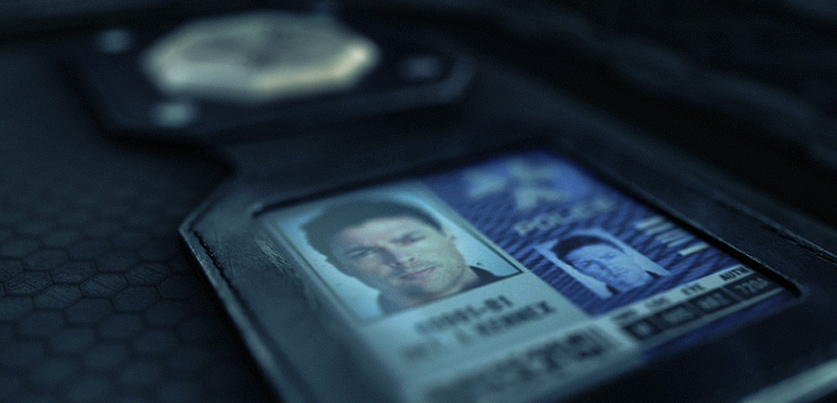
Another E3D shot of the camera flying over the police badge.

Be sure to check out the show tonight!

POSTED:
12 years ago
New Tutorial Tip: Selective Glow FX


Have you ever needed to add a glow to a specific color? Like an explosion, or signal light without affecting the rest of the image.
In this short tutorial I'll show you a fast technique that will allow you add a glow to a specific color only and avoid the color mixing that occurs when using traditional luminance based glows.

Key Features:

  • Ability to Refine and Color Correct Glow
  • Procedural Effect, auto-updates
  • Use Keying tools to refine color selection
  • Works on a single adjustment layer, no pre-composing!
  • Not just for JetStrike! Great technique for all projects!

Don't forget I'm doing an After Effects presentation in Los Angeles tonight for DMALA! (Monday night) If you are around, please register and come by!
The Details

POSTED:
12 years ago
Digital Flight School!

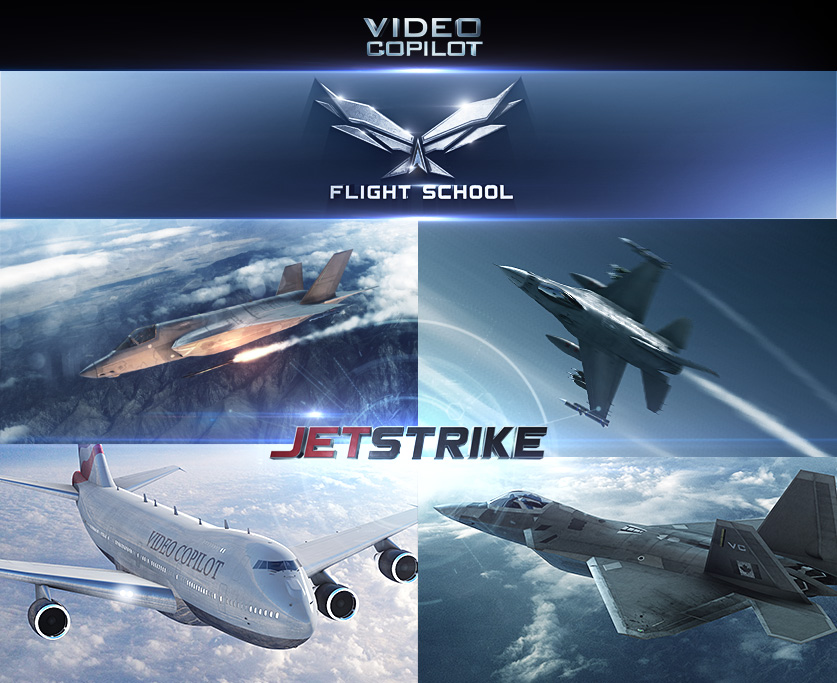
Today we are proud to announce our new mini-site: Flight School!

This course is packed FREE visual effects training for JetStrike & After Effects!Sure we want you to buy our new model pack but these tutorials are also filled with useful tips for any project and we recommend watching just to see what is possible.

Right now we have 6 new tutorials and will be adding more along the way!

Current Lessons:
Missile Launch
Jet Contrails
Flight Control (Create your own Airline)
Decal Customization (Add grunge too!)
Realistic Camera Tips
Bonus Rendering Tips

Start Watching Now!

POSTED:
12 years ago