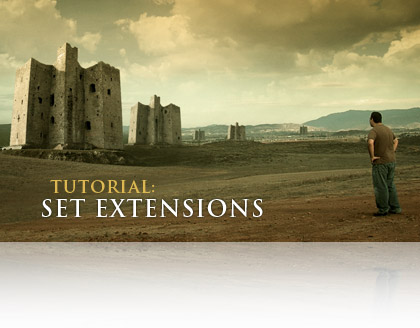
TUTORIAL: Set Extensions

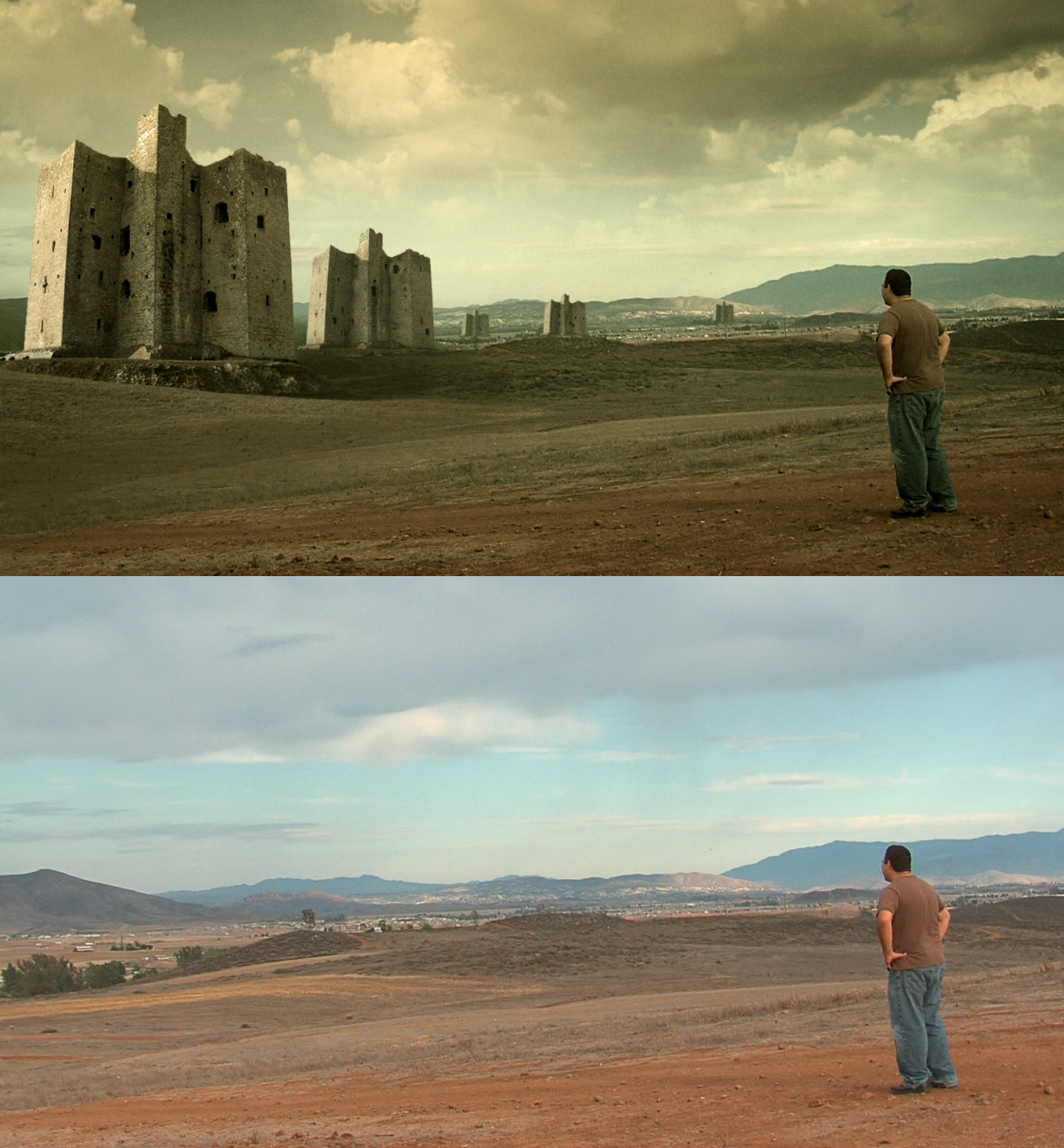
In this video tutorial you'll learn to incorporate matte paintings with your live action footage. You'll also learn a great technique for linking tracking data together. Plus a bunch of other cool stuff as well maybe some MS paint too!

Watch Tutorial
View Still Images

It's another long one; 30 MINUTES! ... and I love Canadians :)

UPDATE: Sean Emer, has created a great video demonstrating the Photoshop portion of the tutorial at normal speed :)

https://doodlesofamadman.com/PhotoshopSetExtensionforAK.html

UPDATE 2: I may also make an update and cover some 3D tracking techniques to incorporate 3D Sets as well. But don't expect that too soon :)

ADMIN NOTE: Please read blog rules before posting. Remember we're still on old servers so thanks for your understanding.


POSTED:
18 years ago
Launching a website is a lot of work...

Hey thoughtful and understanding community!

Things are moving along well but there was more to do than I realized. I do have a tutorial I will post to keep you occupied in the mean time. We should be ready to launch this week, but I want to wait until the weekend to minimize any possible down time. I wish I could tell you about all the cool new stuff...

POSTED:
18 years ago
Lot of Progress

I've been working non stop with the new site, I've just finished some major features. I am very proud of the changes and content that will soon be available. I figure, if I'm moving to a better server, why not make the site better too. Obviously the main functioning of the site will be similar but I hope you will enjoy the new stuff.

I'm planning to have the site online Monday the 27th.

Now, my wife is still pregnant, our official due date is the 26th, which I don't think we will make. I'm hoping to just push a button and have it ready, but I cannot tell the future so don't worry if plans change slightly.

I'm fighting the clock to get the site online for you and now I know how Indiana Jones felt when that boulder was chasing him down. I can see the light...

C:/Run spellCheck.exe... Error.

POSTED:
18 years ago
Some of the new

Here is a small sample of the new site. With the new server we can expect to handle the mid-day rush and be able to update the tutorials and blog much easier.

Additionally, the site is being optimized for speed. The tutorial section has some new functionality that I will get into when we launch. I will give you one hint, the tutorial section will have a search function that will not only allow you to search what is in the description but also search for little tips that are deep within.

Most of the changes aren't visual, but rather behind the scenes.

POSTED:
18 years ago
Reverse Scale Expression

In the Demon Face Warp Tutorial we learned to reverse track by adding expressions. One expression reversed the rotation by multiplying it by -1.

Now I had a question about reverse scaling... I didn't know, until now:

Basically you create a variable inside the final comp where you apply the reverse rotation expression but instead we alt click on the scale and write
m=100/comp("yourPreComp").layer("originalLayer".transform.scale[0];
value*m

So if m=400%, then 100/400=.25, and .25*100% is 25%. And 25% of the now 400 percent image is now back to the original size.
To create the layer variable, you can pickwhip the scale of the precomposed layer as shown in the tutorial. Then add [0] so that you only use one of the scale values for the width.

Try it out and hopefully you can use it in the future.

EDIT for Clarification: When you motion stabilizing something with 2 points you can calculate the rotation and scale from the Motion Tracking Menu, this scales up or down as needed to keep the 2 points the exact distance appart. Thanks for bringing this up Kyle, I'm tired too.

POSTED:
18 years ago